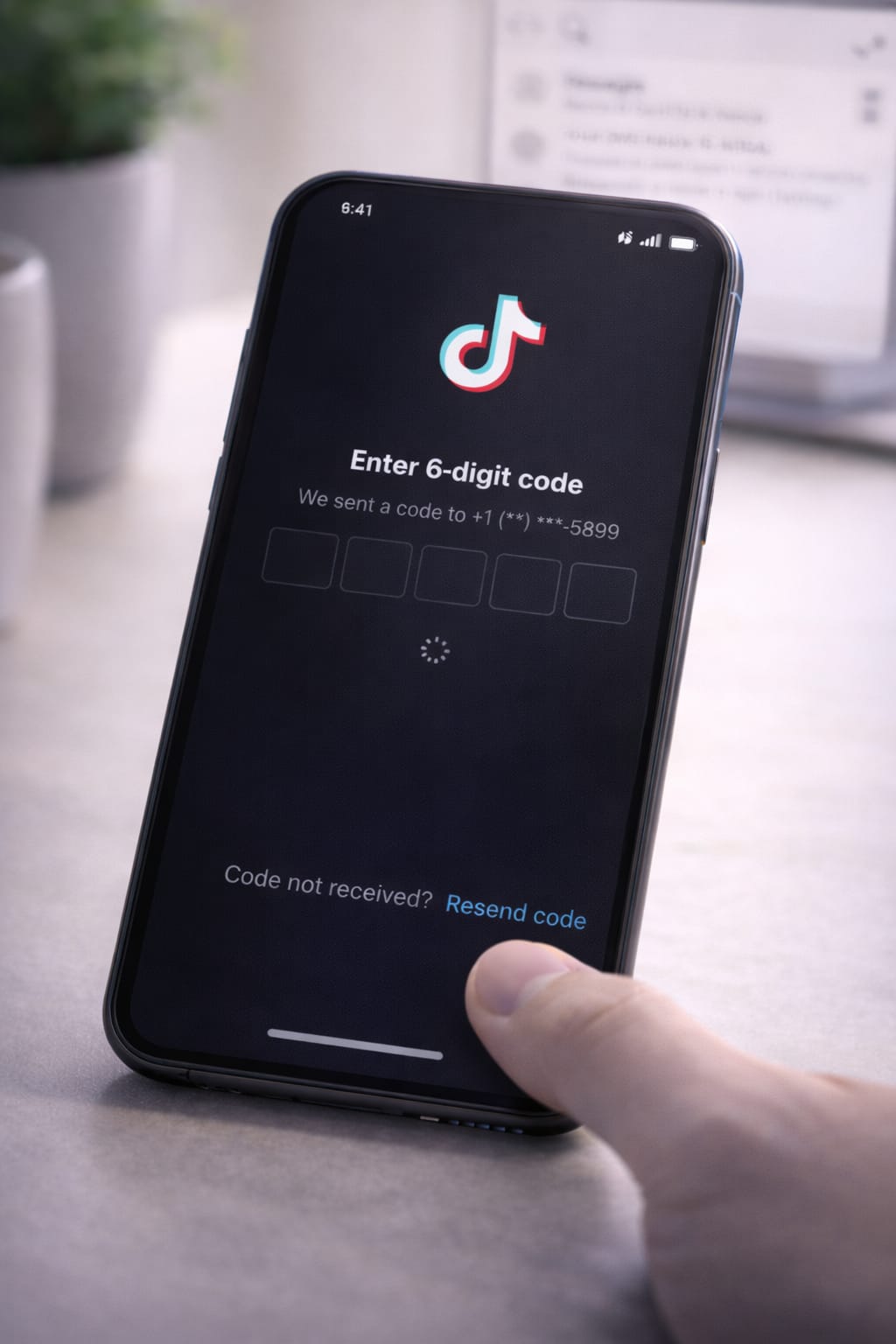
If TikTok is not sending the verification code to your phone or email, you’re not alone. Many users face the same issue when logging in, resetting passwords, or verifying their accounts. This guide explains why the TikTok verification code is not received—and how to fix it quickly on both Android and iPhone.
Why Is TikTok Not Sending the Verification Code?
TikTok may fail to send codes for several common reasons:
- Weak or unstable internet connection
- SMS blocked by your carrier
- You’ve requested too many codes
- Wrong phone number or email
- Using VPN or proxy
- TikTok server delay
- App outdated
- Cache/data issue
- SIM card temporarily inactive
These reasons are based on user reports and general troubleshooting recommendations.
Step-by-Step Fixes for TikTok Verification Code Not Received
Follow these steps one by one—most users fix the issue by Step 4.
1️⃣ Fix 1: Check Your Internet Connection
A poor network causes code delays or failures.
Try this:
- Turn Airplane Mode ON → wait 5 seconds → OFF
- Switch from Wi-Fi to Mobile Data
- Restart your router
- Turn off VPN (important!)
[Insert Screenshot Step: Network Settings]
2️⃣ Fix 2: Restart Your Phone
A quick restart refreshes your network and SMS services.
- Hold the power button → Restart
- Try requesting the code again
This fix works for many Android & iPhone users.
3️⃣ Fix 3: Check Your Phone Number or Email
Small mistakes can block the code.
Make sure:
- Country code is correct
- No extra spaces
- Email spelling is correct
- You still have access to the SIM
If you are using a number from another country, use email login instead.
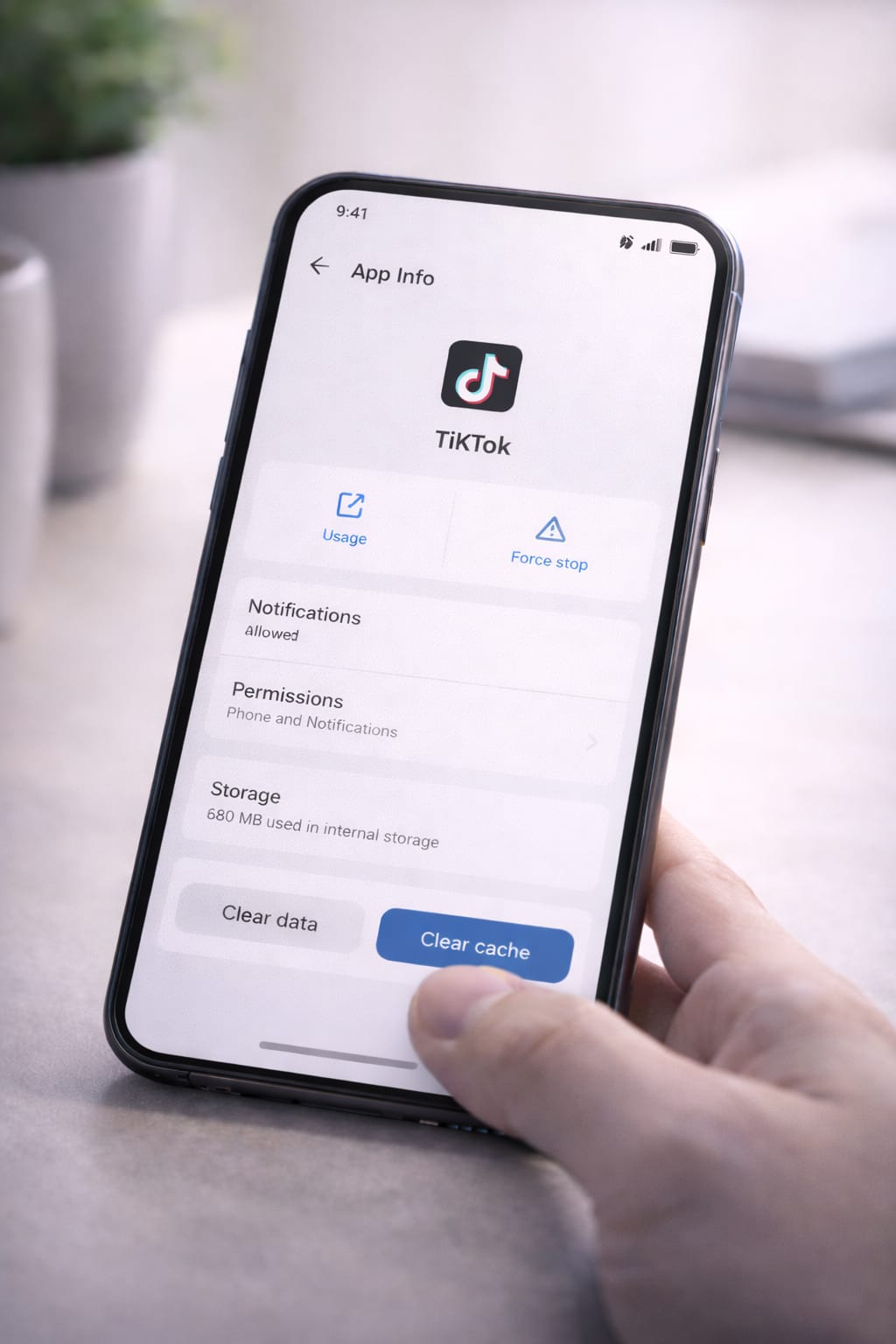
4️⃣ Fix 4: Clear TikTok App Cache (Android Only)
A corrupted cache may block login and verification steps.
Android Steps:
Settings → Apps → TikTok → Storage → Clear Cache
[Insert Screenshot Step: Clear Cache]
iPhone:
Delete and reinstall TikTok (iOS doesn’t allow cache clearing).
5️⃣ Fix 5: Disable Battery Saver & Background Restrictions
Battery saver can block TikTok’s login requests.
Android:
Settings → Battery → Turn off Battery Saver
iPhone:
Settings → Battery → Disable Low Power Mode
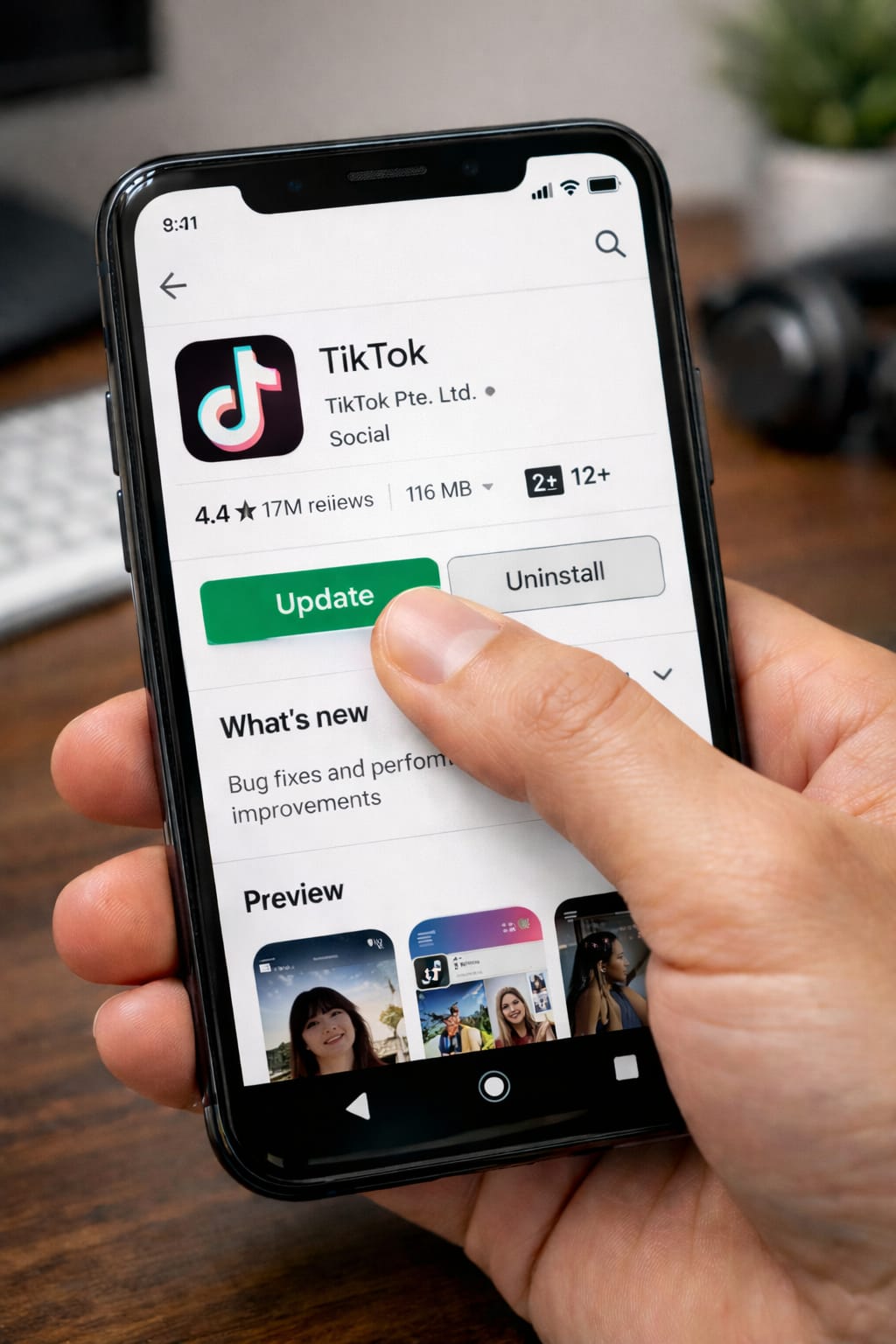
6️⃣ Fix 6: Update TikTok
Outdated apps often fail verification.
Update via:
Play Store → Update
App Store → Update
After updating, request the code again.
7️⃣ Fix 7: Contact Carrier (If SMS Still Not Received)
In rare cases, SMS gets blocked by your carrier due to spam filters.
Ask them:
“Are verification codes blocked on my number?”
This fix works when code failures happen across multiple apps.
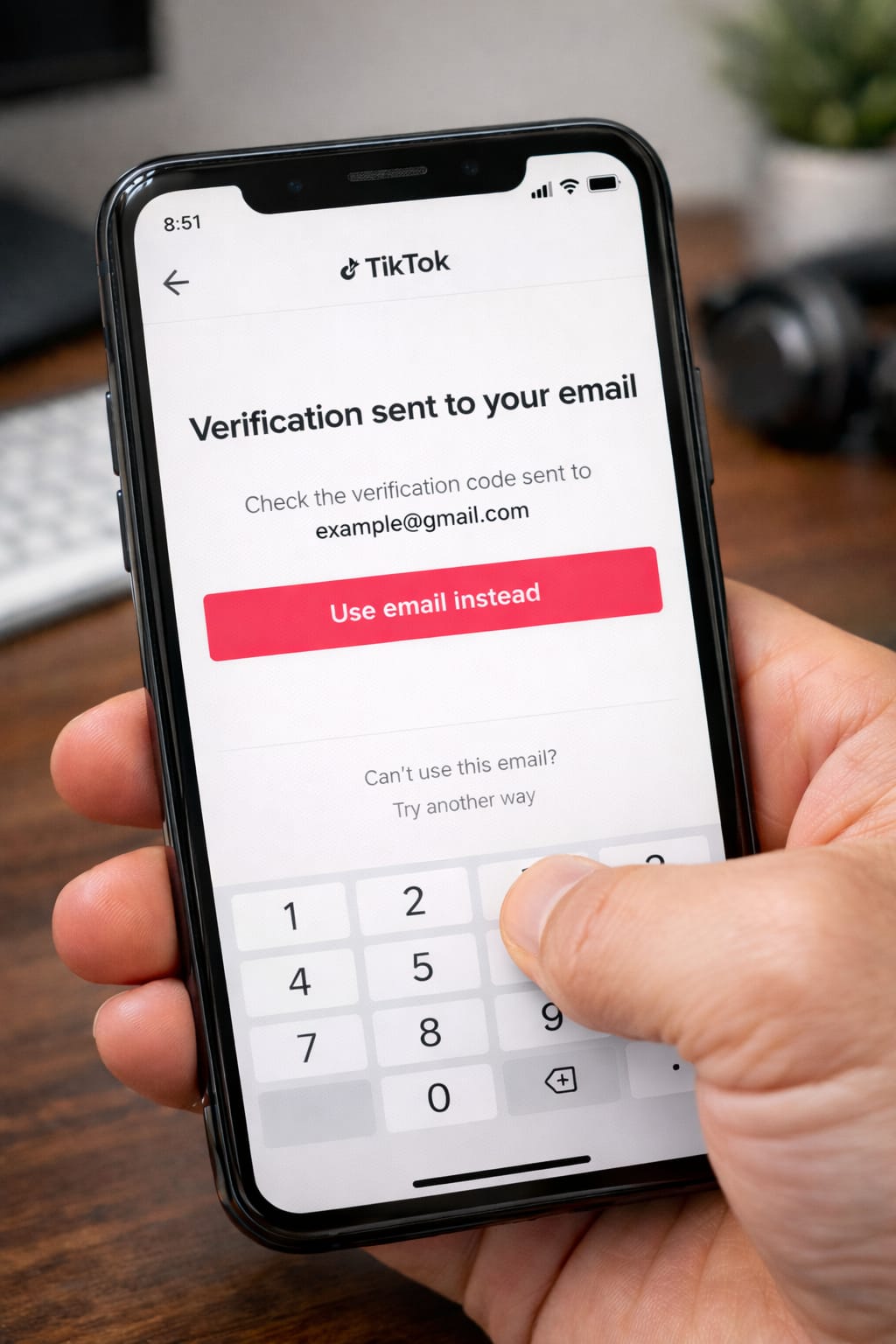
8️⃣ Fix 8: Try Email or Login Methods Instead
TikTok allows alternative login options:
- Username
- Password
- “Use verification via email instead”
Many users said email verification arrives instantly.
Alternative Methods (If the Code Still Doesn’t Arrive)
Use the Web Version
Try logging in from: tiktok.com
Works even if the app fails.
Reinstall TikTok
Refreshing the app files often solves login issues.
Try Another SIM or Phone
Some networks block international SMS.
Wait 30 Minutes
TikTok temporarily blocks too many requests.
How to Contact TikTok Support
TikTok has built-in support for login and verification issues.
In-App Support (if you can open app):
Profile → Menu → Settings & Privacy → Report a Problem → Account & Profile → Login → “I can’t receive a code”
Web Support:
https://www.tiktok.com/legal/report/feedback
Include:
- Screenshot of error
- Your phone number (with country code)
- Approximate time you tried logging in
Support replies in 24–72 hours.
Conclusion:
If TikTok is not sending verification codes, the easiest fixes are: checking your internet, clearing app cache, updating the app, switching to email login, and turning off VPN. Follow each step carefully, and you should receive your verification code successfully.
FAQs:
Q. Why is TikTok not sending me a verification code?
A. TikTok may fail to send verification codes due to a weak network connection, an incorrect phone number, an outdated app version, or SMS delays from your mobile carrier. Try clearing the TikTok cache (on Android), turning off any VPN, restarting your phone, and switching to email verification if SMS codes are not arriving.
Q. Can I log in to TikTok without receiving a code?
A. Yes. You can log in using email, password, or username, or select “Use another verification method.” If your phone number is unavailable, the email login option works even without a SIM card.
Q. How long should I wait before requesting another code?
A. TikTok may temporarily block repeated code requests. Wait 30–60 seconds between attempts. If you’ve requested codes too many times, wait about 30 minutes before trying again.