
Losing access to your Instagram account is scary—but you can still recover it even without your password or email. Many users face this problem after forgetting login details, switching phones, or getting locked out. This guide shows simple recovery steps that work on Android, iPhone, and desktop.
Why This Problem Happens? (Common Causes of Instagram Login Issues)
You may not be able to log in because:
- You forgot your password
- Your email or phone number changed
- Instagram is not sending the verification code
- Account temporarily locked
- App glitch after update
- Hacker changed your details
Based on user reports, most accounts are recoverable using phone number, username, or identity verification.
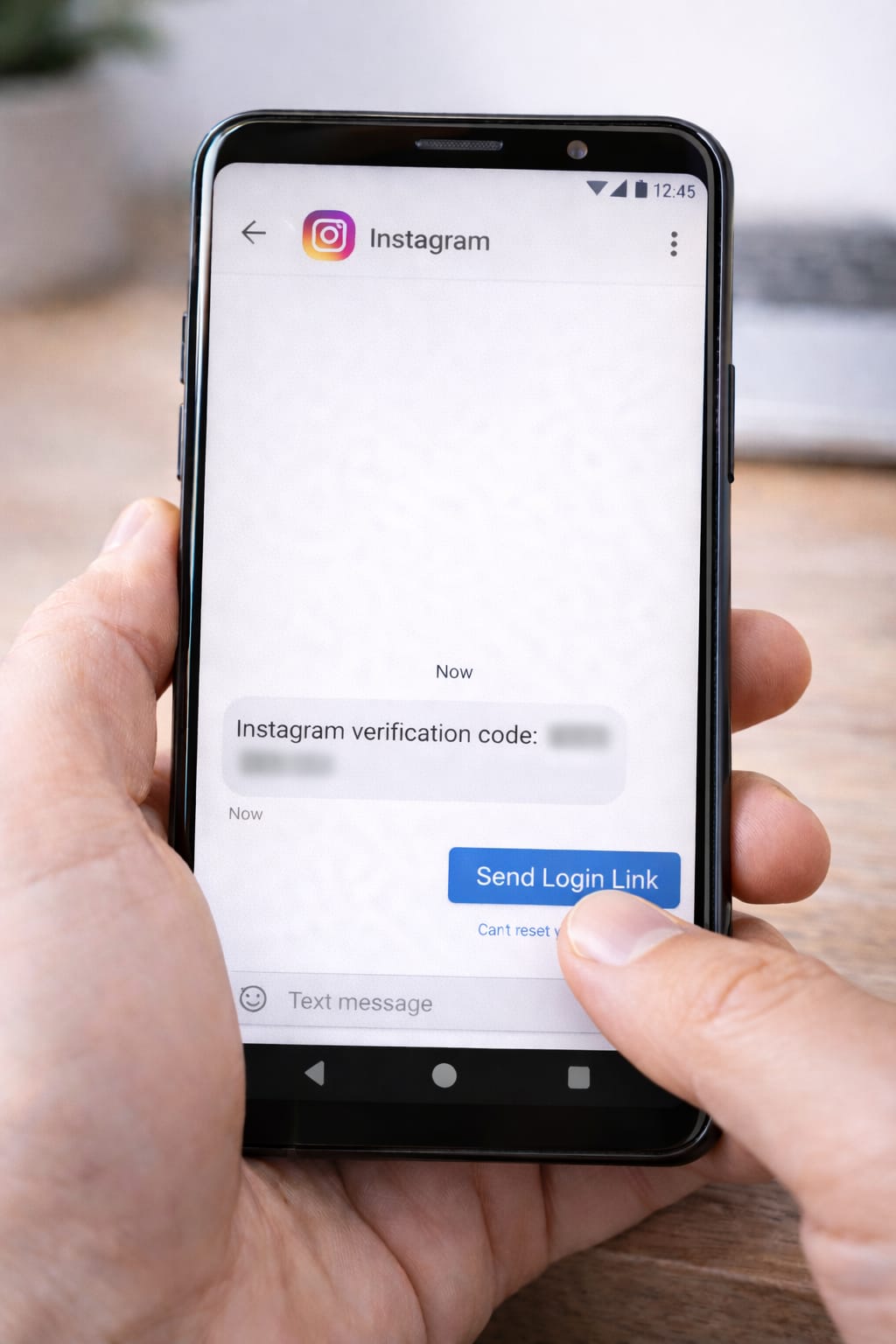
Step-by-Step Fixes to Recover Instagram Account Without Password
Follow each method carefully. One of them will work for you.
1️⃣ Use “Forgot Password?” With Your Username (Works Without Email)
You don’t need email—Instagram can send a login link to your phone.
Steps (Android & iPhone):
- Open Instagram
- Tap Forgot password?
- Enter your username
- Choose Send login link
- Select SMS (phone number)
- Enter the code and log in
[Insert Screenshot Step: Forgot Password Screen]
If your phone number is still connected, you’ll recover your account instantly.
2️⃣ Log In Using Your Phone Number
Steps:
- Open Instagram login page
- Tap Log in with phone number
- Enter your mobile number
- Enter the 6-digit SMS code
This works even if you forgot email and password.
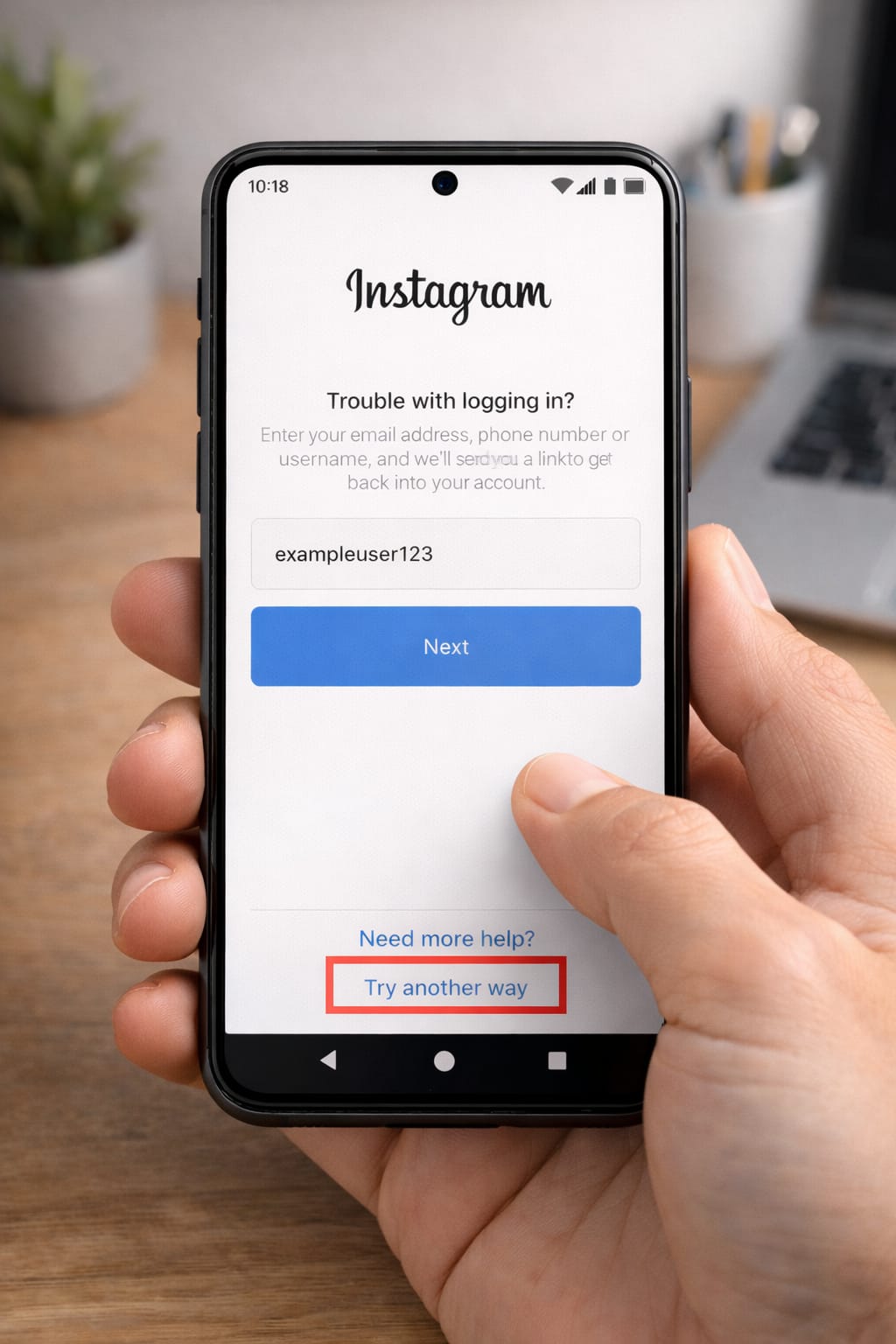
3️⃣ Use “Can’t Reset Your Password?” Option (Account Recovery Form)
If you don’t have email or phone access:
Steps:
- Go to Forgot password?
- Tap Need more help?
- Choose Try another way
- Instagram will ask for:
- Username
- Device verification
- Selfie video for identity check
Many users said this is the only method that worked after losing access to all login details.
4️⃣ Use a “Trusted Device” (Your Phone Where You Already Logged In)
If you previously logged in on that device:
- Open Instagram
- Tap Log in with previous device
- Instagram auto-verifies your identity
This works even without email/phone.
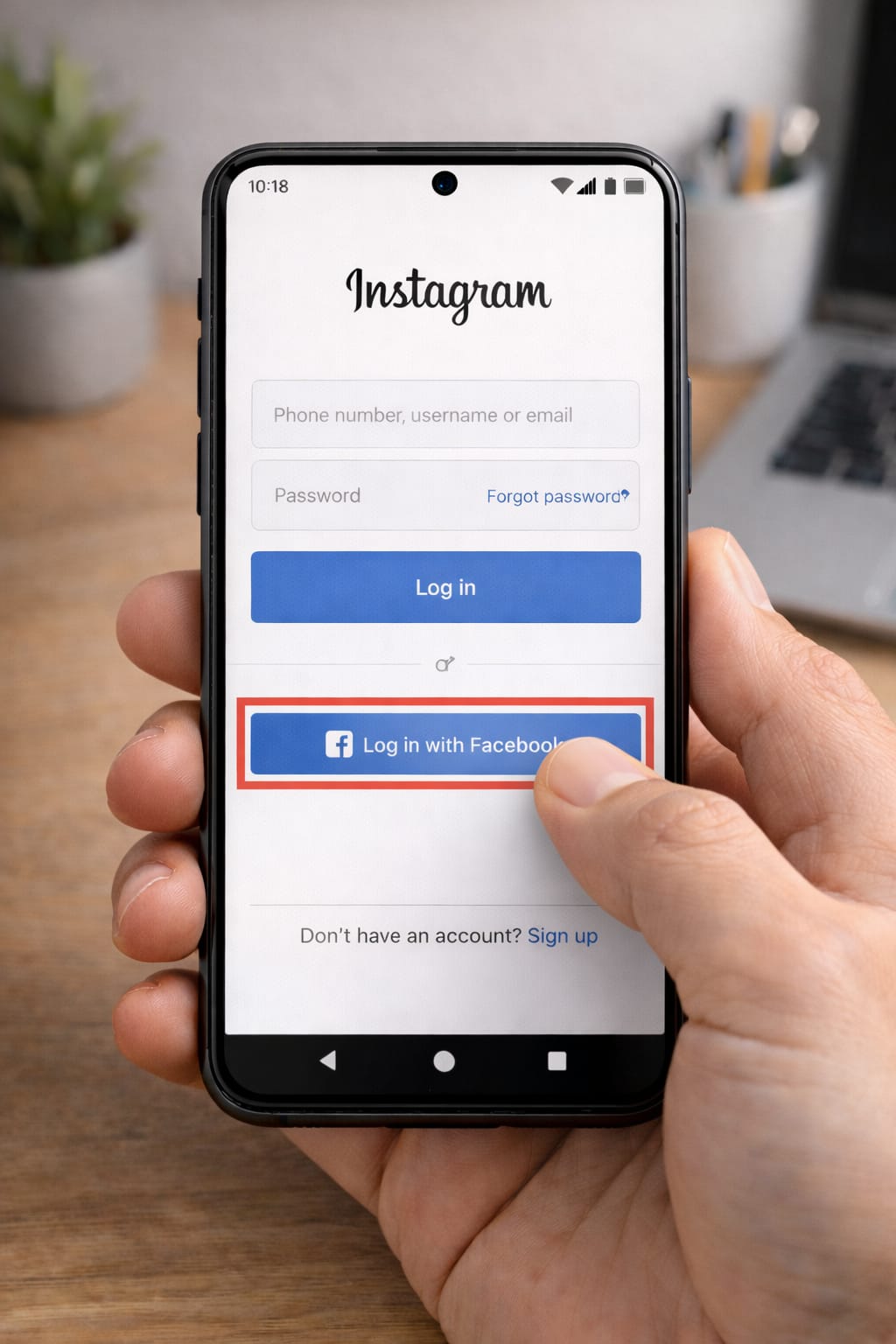
5️⃣ Recover Using Linked Facebook Account
If your Instagram was connected to Facebook:
Steps:
- Open Instagram
- Tap Log in with Facebook
- Approve login
- Reset your password from Settings → Security
This method bypasses email and password entirely.
6️⃣ Check for Old Email/Phone Number on File
Sometimes users forget they added multiple emails/phone numbers.
Steps:
- Search old SIM cards
- Check Gmail/Outlook/Yahoo for Instagram messages
- Search inbox: “Instagram code” or “Help with logging in”
Many users find their recovery email this way.
Alternative Methods (If None of the Above Works)
Submit Instagram Account Recovery Appeal
Use this if:
- Email changed
- Phone number removed
- Account hacked
Instagram may ask you to record a selfie video turning your head left and right for identity confirmation.
Try Web Version Instead of App
Instagram Web sometimes shows extra recovery options not visible in the app.
Update or Reinstall Instagram
Old versions may block the login process.
How to Contact Instagram Support
Direct support is limited, but you can use:
Method 1: In-App Support
Settings → Help → Report a Problem
Method 2: Instagram Help Center
help.instagram.com
Method 3: Business/Creator Account Support
If you had a Professional account, you may get access to chat support.
Provide:
- Username
- Last known email/phone
- Problem (e.g., “lost access to email + password”)
- Screenshot of error
Conclusion
You can recover your Instagram account without a password or email by using your username, phone number, Facebook login, trusted device login, or Instagram’s identity verification form. Try each method step-by-step for the best chance of recovering access.
FAQs
Q. Why is Instagram not sending me the verification code?
A. Instagram may fail to send a verification code due to network issues, blocked SMS, an incorrect phone number, or a temporary account lock. Try restarting your phone, turning off any VPN, inserting your SIM card into another device, and submitting the account recovery form. Many users report that SMS codes arrive after 10–15 minutes.
Q. Can I recover my Instagram account without an email or phone number?
A. Yes. You can use the “Need more help?” recovery form, try logging in with Facebook (if linked), or verify your identity using Instagram’s selfie video verification method. Many users have successfully recovered their accounts using these options.