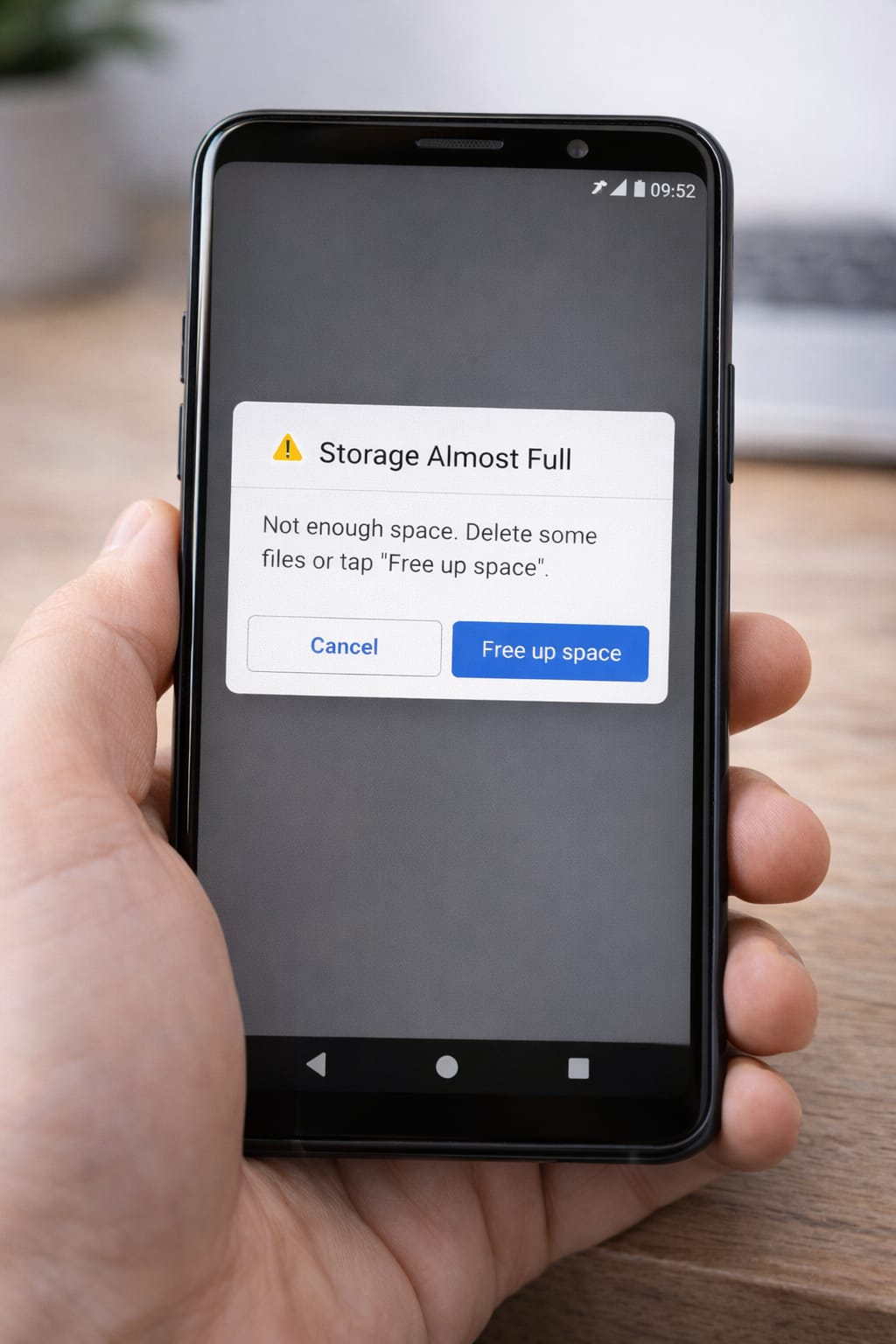
If your phone keeps saying “Storage Almost Full” or “Not enough space”, you’re not alone. This is one of the most common problems on Android and iPhone. The good news? You can free space quickly without deleting important files. This guide explains the easiest steps anyone can follow.
Why This Problem Happens? (Common Reasons Your Storage Fills Up)
Your phone storage becomes full mainly because:
- Too many photos and videos
- Apps storing huge amounts of cache
- WhatsApp media auto-download
- Large files in Downloads folder
- System updates taking space
- Hidden duplicate files
- Apps running old data in background
Based on user reports, WhatsApp and social media apps often take the most storage.
Step-by-Step Fixes for Full Phone Storage
Follow these steps one by one. Works for both Android and iPhone.
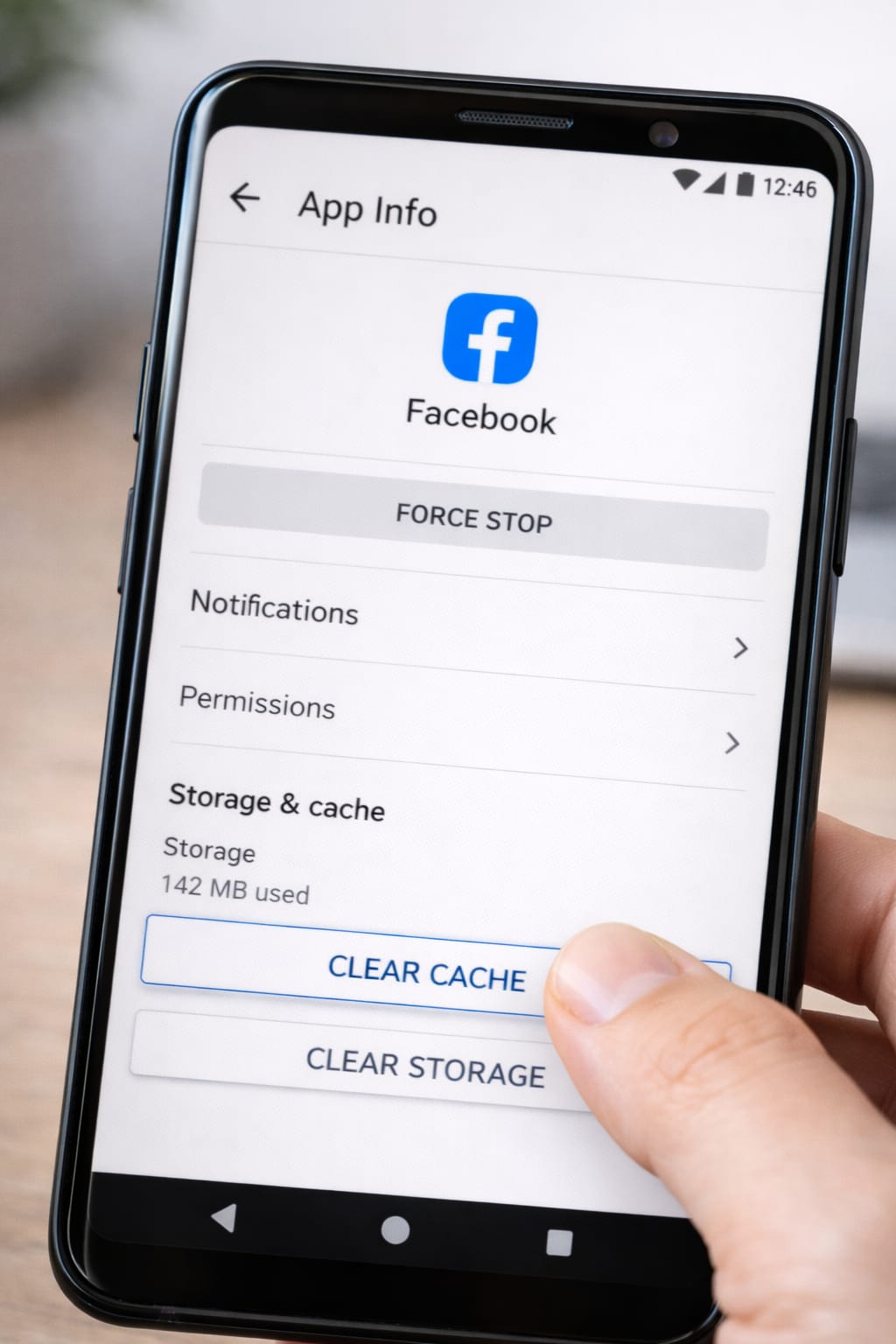
1️⃣ Clear App Cache (Fastest Fix)
Cache files build up over time and slow your phone.
Android:
- Settings → Apps
- Open apps like Instagram, Facebook, Chrome
- Tap Clear Cache
iPhone:
- Offload unused apps
- Clear Safari website data
This instantly frees 1–3 GB on most phones.
[Insert Screenshot Step: Clearing Cache]
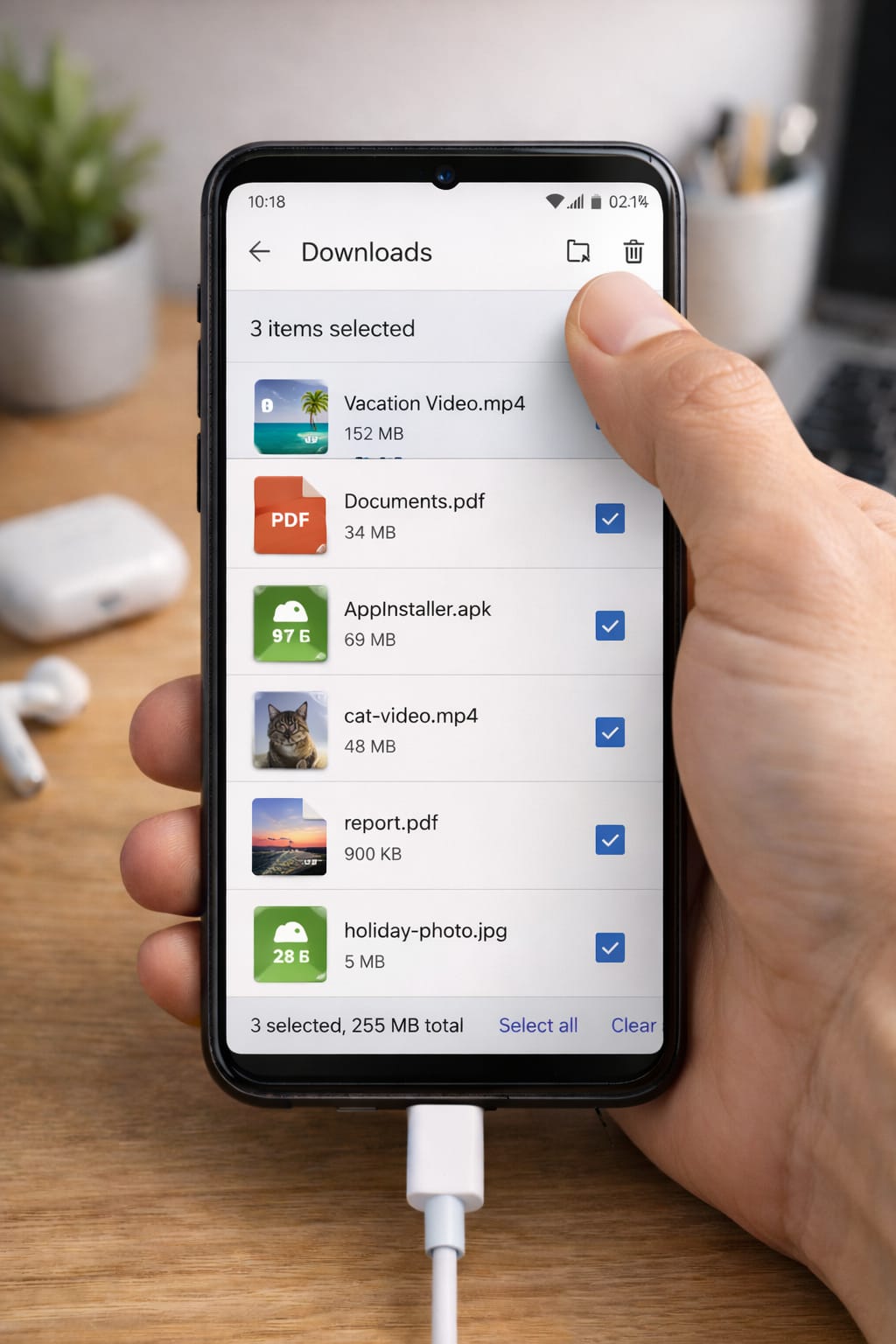
2️⃣ Delete Large Files from “Downloads” Folder
Many users forget this folder exists.
Steps:
- Open File Manager
- Go to Downloads
- Delete old PDFs, videos, APKs, and duplicate files
This often frees several GB of space.
3️⃣ Disable WhatsApp Auto-Download (Huge Space Saver)
WhatsApp photos and videos fill your phone quickly.
Steps:
WhatsApp → Settings → Storage and Data → Turn off Media Auto-Download
This prevents unwanted media from filling storage.
4️⃣ Use Google Photos or iCloud to Backup Media
This keeps your photos safe while freeing space.
Android:
Google Photos → Backup → Free Up Space
iPhone:
iCloud Photos → Optimize iPhone Storage
Your photos remain online and you save storage automatically.
5️⃣ Uninstall Apps You Don’t Use
Most phones have unused apps taking 1–2 GB.
Steps:
Settings → Apps → Sort by size → Remove unused apps
Delete apps you haven’t used in 30–60 days.
6️⃣ Delete Old WhatsApp Chats & Clear Media
WhatsApp keeps old photos, voice notes, and videos.
Steps:
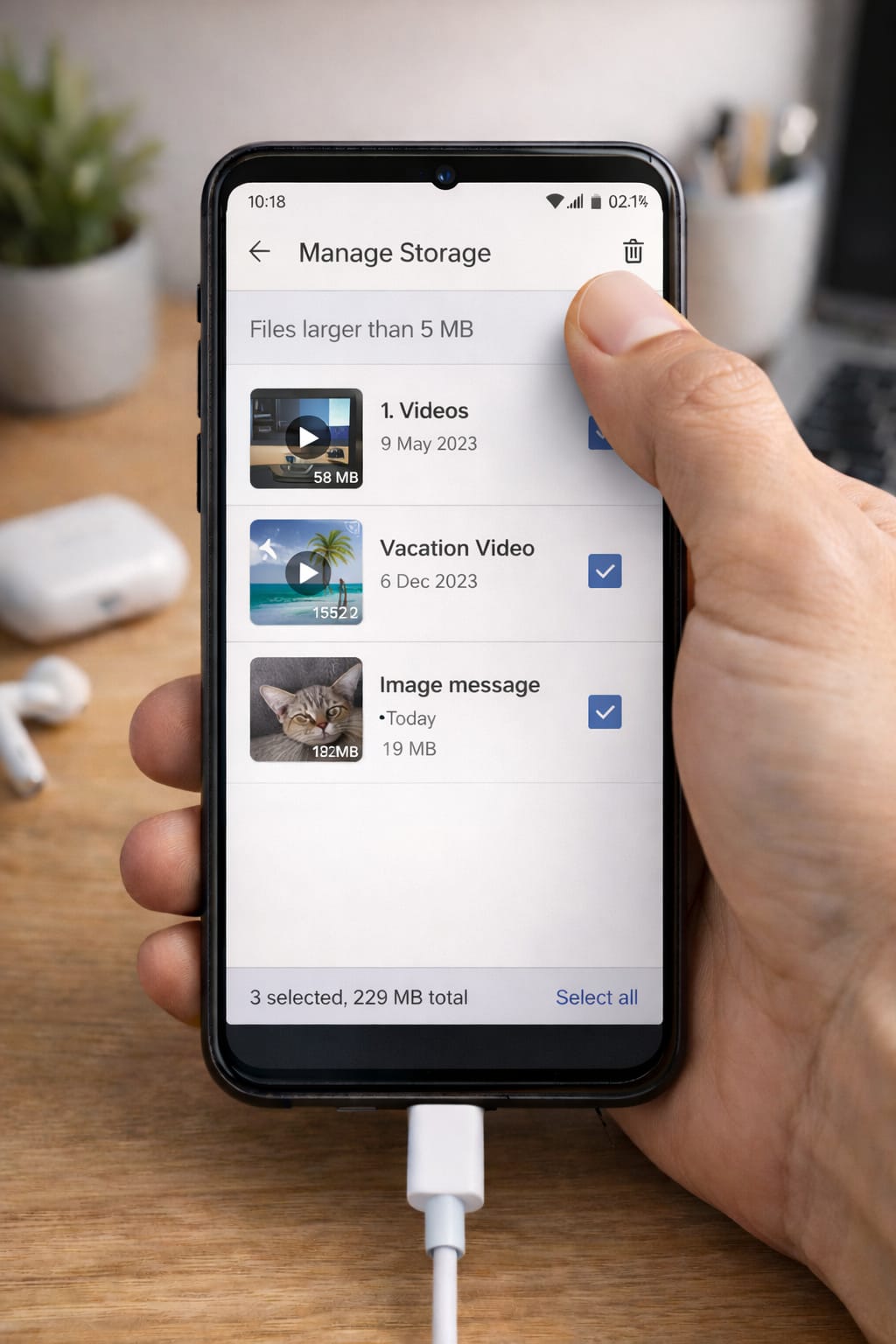
WhatsApp → Settings → Storage → Review and delete large items
Choose large group chats and clear unnecessary media.
7️⃣ Move Files to SD Card (Android Only)
If your phone supports a memory card:
- Insert SD card
- Move photos/videos/apps to SD storage
This frees internal storage instantly.
8️⃣ Restart Phone (Fixes System Cache Issues)
Restarting sometimes clears temporary system files taking up space.
9️⃣ Update Your Phone Software
Updates often optimize storage.
Android/iPhone → Settings → Software Update
Alternative Methods (If Main Fixes Don’t Work)
If storage still shows full:
Clear Hidden Files in File Manager
Search for:
- Thumbnails
- Temp files
- Backup folders
Transfer Files to PC or External Drive
Move large videos and photos.
Factory Reset (Last Option)
Only if your phone is too slow and completely full.
Backup everything first.
How to Contact Customer Support
If you think storage is full due to a bug:
Android Users:
Contact phone brand support:
- Samsung
- Xiaomi
- Oppo
- Vivo
- Realme
iPhone Users:
Use Apple Support App or visit
support.apple.com
Provide:
- Storage screenshot
- Phone model
- Apps installed
- When the problem started
Conclusion
Your phone storage becomes full mainly due to large media, app cache, and unused files. By clearing cache, managing WhatsApp media, deleting downloads, and using cloud backup, you can free several GB easily. Follow the steps one by one for best results.
FAQs
Q. Why does my phone say storage full even after deleting files?
A. This usually happens because hidden cache files, system data, or app media (such as WhatsApp files) are still using storage. Clearing app cache, deleting downloaded files, removing WhatsApp junk, and restarting your phone can help. On iPhones, enabling “Offload Apps” may fix storage that doesn’t update correctly.
Q. Can I increase storage without deleting anything?
A. Yes. You can use cloud services like Google Photos or iCloud, insert an SD card (on Android), or transfer files to an external hard drive. These options free up device storage without losing your data.
Q. Can I recover my account without an email or phone number?
A.Yes. Many apps allow account recovery using trusted devices, backup codes, or identity verification. Look for options like “Forgot Password” or “Need more help?” during the recovery process.