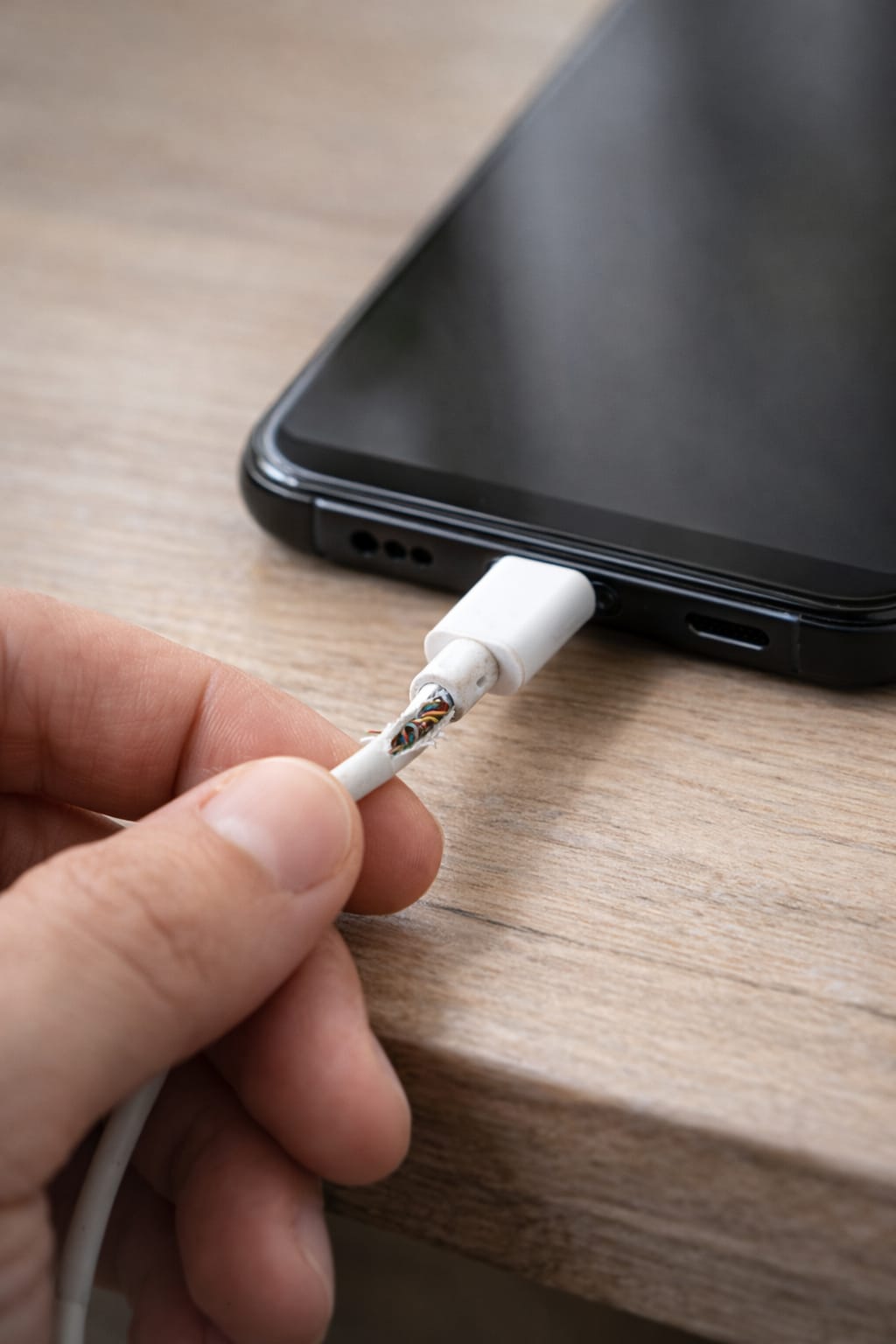
If your phone is charging very slowly, you’re not alone. Many users face this issue on Android and iPhone. The good news? Slow charging is usually caused by simple problems like a bad cable, dirty charging port, or background apps. This guide shows easy fixes anyone can follow.
Why This Problem Happens? (Common Reasons for Slow Charging)
Your phone may charge slowly because:
- Faulty or low-quality charging cable
- Weak power adapter
- Dust or dirt inside the charging port
- Background apps draining battery
- Battery health getting weak
- Phone overheating
- Using the phone while charging
- Software glitches after updates
Based on user reports, charging cable and port issues cause 70% of slow charging problems.
Step-by-Step Fixes for Slow Mobile Charging
Follow these steps one by one. Most of them work on both Android and iPhone.
1️⃣ Check Your Cable (Most Common Fix)
A damaged cable slows charging dramatically.
Steps:
- Try another cable
- Check for bends or cuts
- Use original or certified cables (USB-C, Lightning)
[Insert Screenshot Step: Checking Cable]
If the new cable charges fast → your old cable was the issue.
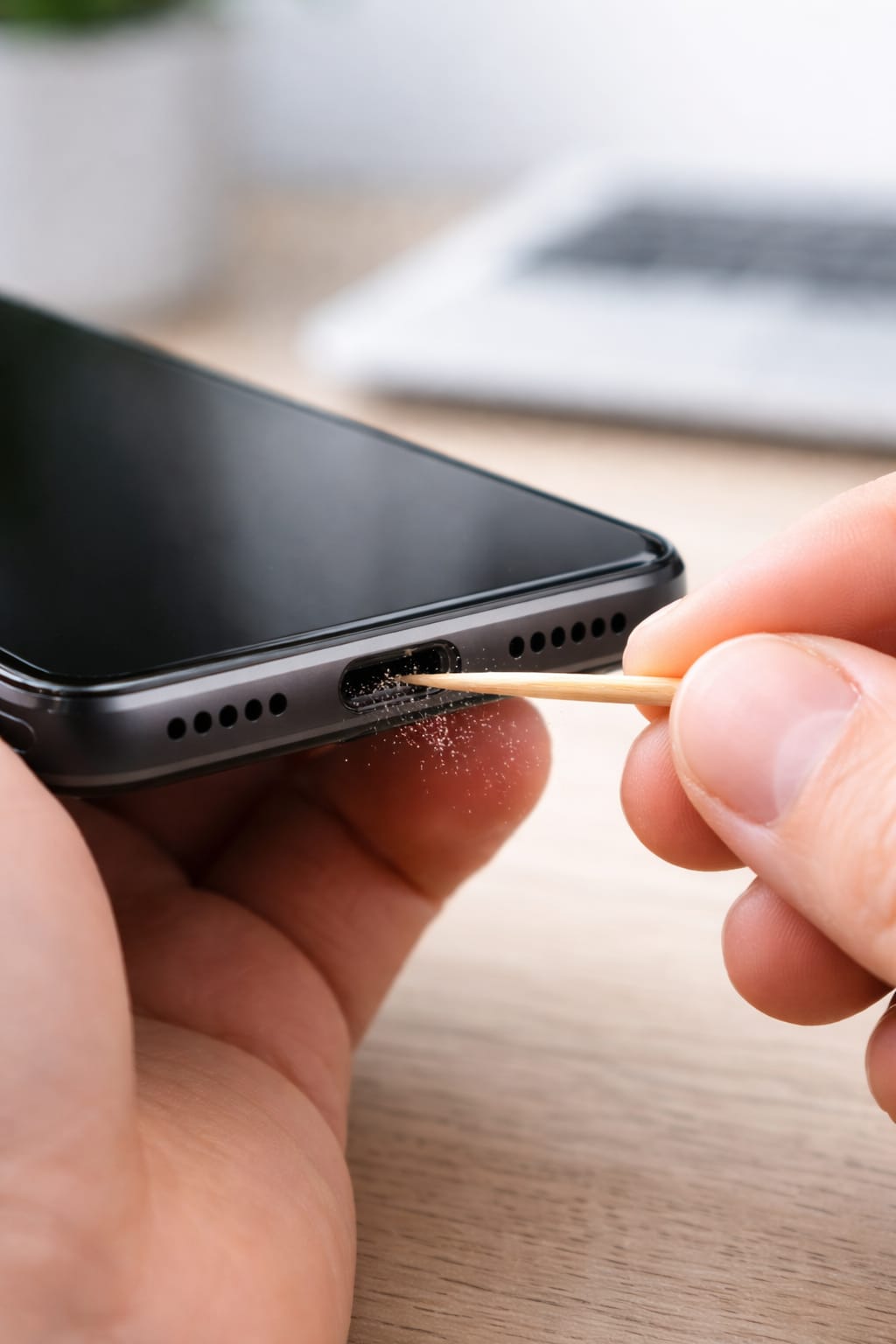
2️⃣ Clean the Charging Port (Dust Fix)
Dust blocks the connector and reduces charging speed.
How to Clean:
- Turn off your phone
- Use a wooden toothpick or soft brush
- Gently remove dust from the port
Never use metal objects — it can damage the port.
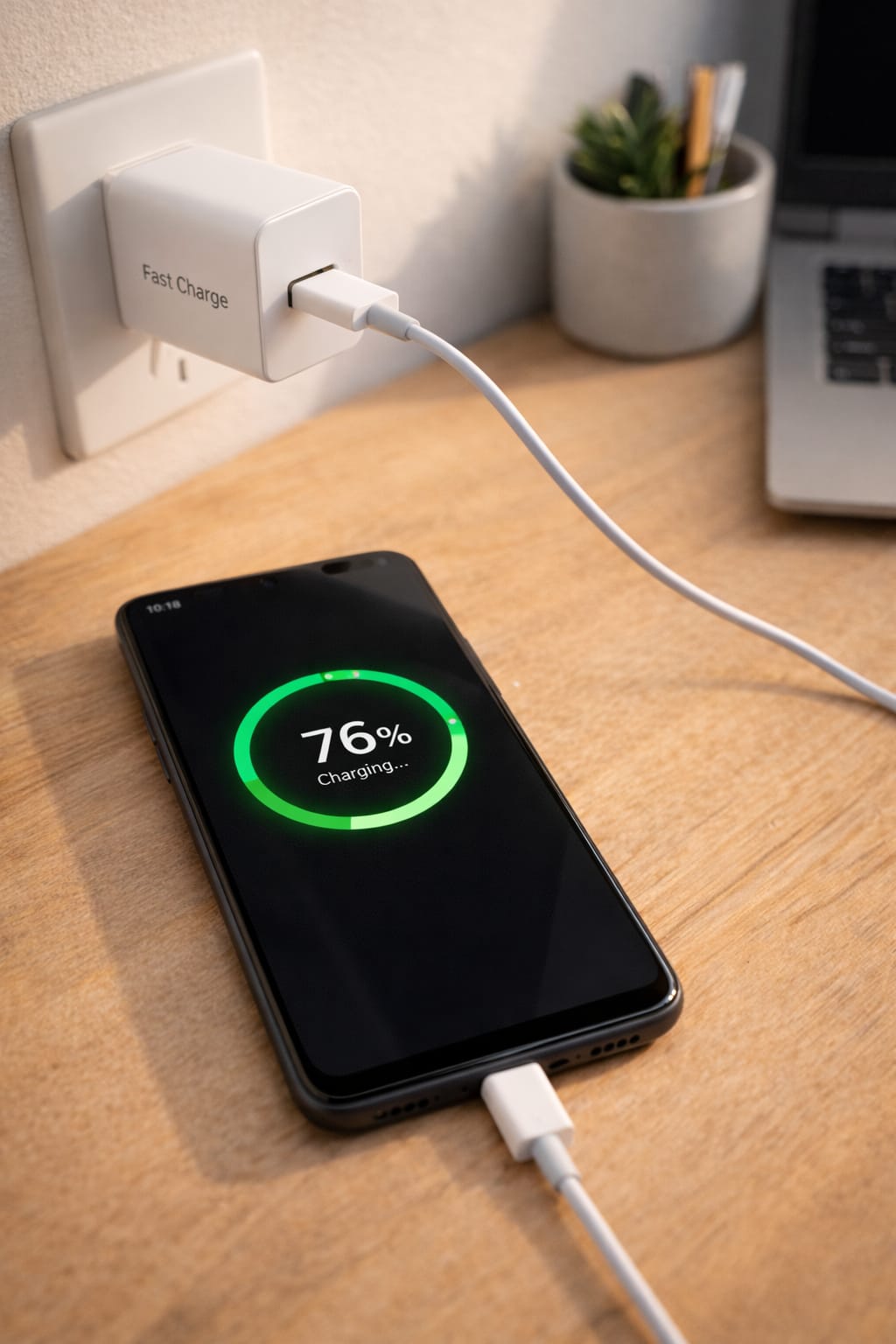
3️⃣ Use a Fast Charger Adapter
Old 5W or cheap chargers charge very slowly.
Try using:
- 18W / 20W fast charger for iPhone
- 25W / 30W fast charger for Android
Many users said this worked instantly.
4️⃣ Turn Off Background Apps
Some apps drain battery while charging.
Steps:
Android:
Settings → Battery → Background Usage → Restrict apps
iPhone:
Settings → Battery → Background App Refresh → Turn Off
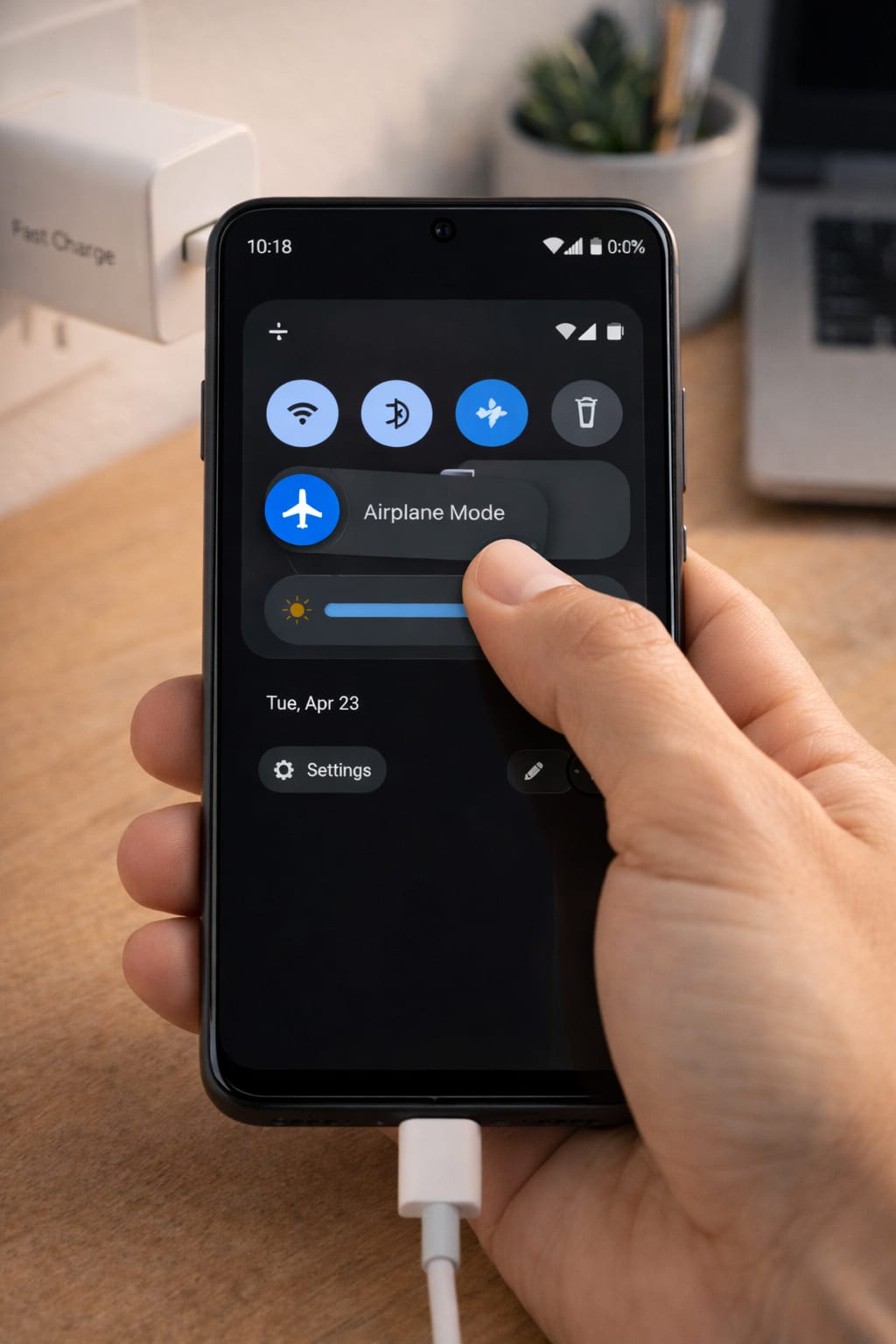
5️⃣ Enable Airplane Mode While Charging
Stops network usage and boosts charging speed.
- Swipe down → Tap Airplane Mode
- Charge for 30 minutes
Your phone should charge much faster.
6️⃣ Use Safe Charging Temperature (Avoid Overheating)
Phones slow down charging automatically when hot.
Tips:
- Remove phone case
- Keep phone away from sunlight
- Avoid gaming or video while charging
7️⃣ Restart Your Phone (Fixes System Bugs)
Restart clears temporary glitches affecting charging speed.
Steps:
Hold Power Button → Restart.
8️⃣ Update Your Phone Software
Outdated software may cause charging problems.
Android/iPhone:
Settings → Software Update → Install update
9️⃣ Reset Battery Settings (Last Option)
If nothing works, reset system settings.
Android:
Settings → System → Reset → Reset All Settings
iPhone:
Settings → General → Reset → Reset All Settings
This won’t delete your data.
Alternative Methods (If Charging Still Slow)
If the main fixes didn’t work:
Try Wireless Charging
If your charging port is damaged, wireless charging may work normally.
Try a Different Power Source
Plug into:
- Another wall socket
- Laptop USB-C port
- Original fast charger
Check Battery Health
iPhone: Settings → Battery → Battery Health
Android: Use built-in battery settings or device care
If battery health is below 70%, it may need replacement.
How to Contact Customer Support
If your phone still charges slowly, contact support:
Android:
- Visit your brand’s service center (Samsung, Xiaomi, Oppo, Vivo)
- Use the official support app
iPhone:
- Apple Support App
- support.apple.com
- Visit Apple Store / Authorized Service Center
Describe the issue and provide:
- Phone model
- Charger used
- Apps installed
- When the problem started
Conclusion
Most slow charging issues can be fixed with simple steps like changing the cable, cleaning the port, or reducing background apps. Start with the easiest fixes and go step-by-step. If none of them work, it may be a battery or hardware issue.
FAQs:
Q. Why is my phone charging slow all of a sudden?
A. Sudden slow charging is usually caused by a damaged or low-quality charging cable, dust or debris in the charging port, device overheating, or background apps consuming power while charging. Try using a different cable or adapter, gently cleaning the charging port, closing background apps, and restarting your phone. These steps fix the problem for most users.
Q. Can I recover my account without an email or phone number?
A. Yes. For apps such as Facebook, WhatsApp, and Instagram, account recovery is possible through identity verification, trusted devices, or alternative recovery options. Look for the “Need Help Logging In?” option within the app and follow the on-screen instructions.