
One of the most common Facebook questions is: “Can I see who viewed my Facebook profile?” Many beginners worry about privacy, unknown visitors, or stalkers. This guide explains what Facebook officially allows, what’s not possible, and what you can safely check in your account.
Why Do People Think Facebook Shows Profile Viewers?
Many users see “profile views” features on other apps (LinkedIn, TikTok) and expect the same from Facebook. But Facebook works differently.
Here’s why this “problem” happens:
- Fake apps claim they can show profile viewers
- Posts on Facebook suggest “secret methods”
- Users misunderstand “Friend Suggestions”
- People expect a built-in viewer list like LinkedIn
- Cache or glitch shows old notifications that confuse users
According to Facebook Help Center, no setting or app can show who viewed your profile.
Real Things You Can Check on Facebook (Step-by-Step)
Below are the only privacy-safe ways beginners can check suspicious activity or profile interaction.
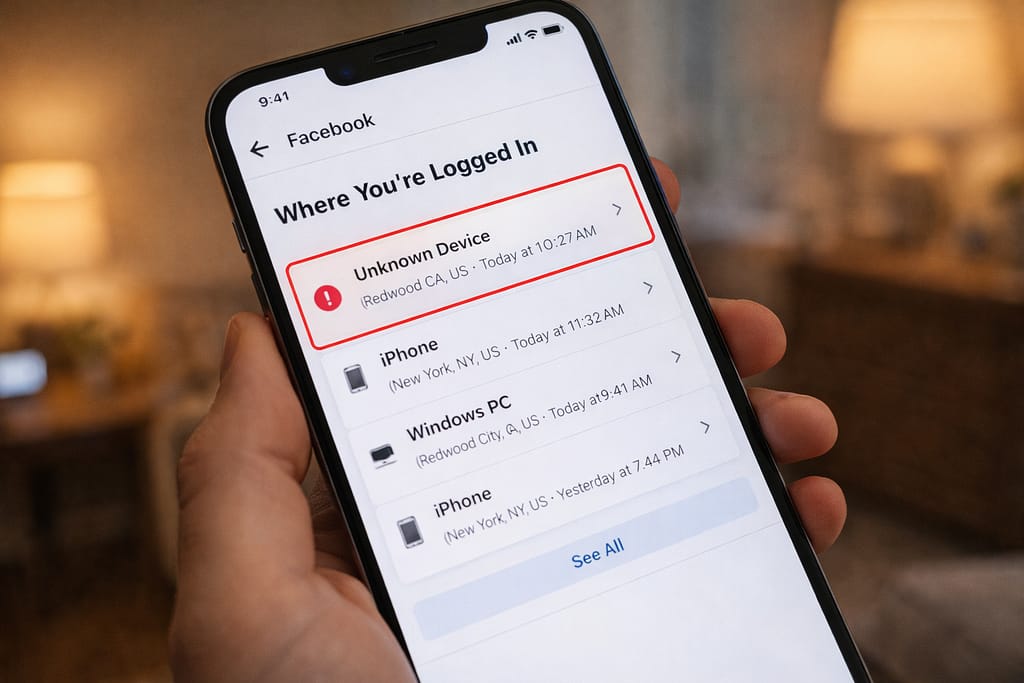
1️⃣ Check Login History (See if someone accessed your account)
If you think someone viewed your profile, they may have logged into your account.
Steps (Android & iPhone):
- Open Facebook
- Menu (☰) → Settings
- Security → Where You’re Logged In
- Review devices
[Insert Screenshot Step: Login Activity]
If you see unknown devices → tap Log Out → change password.
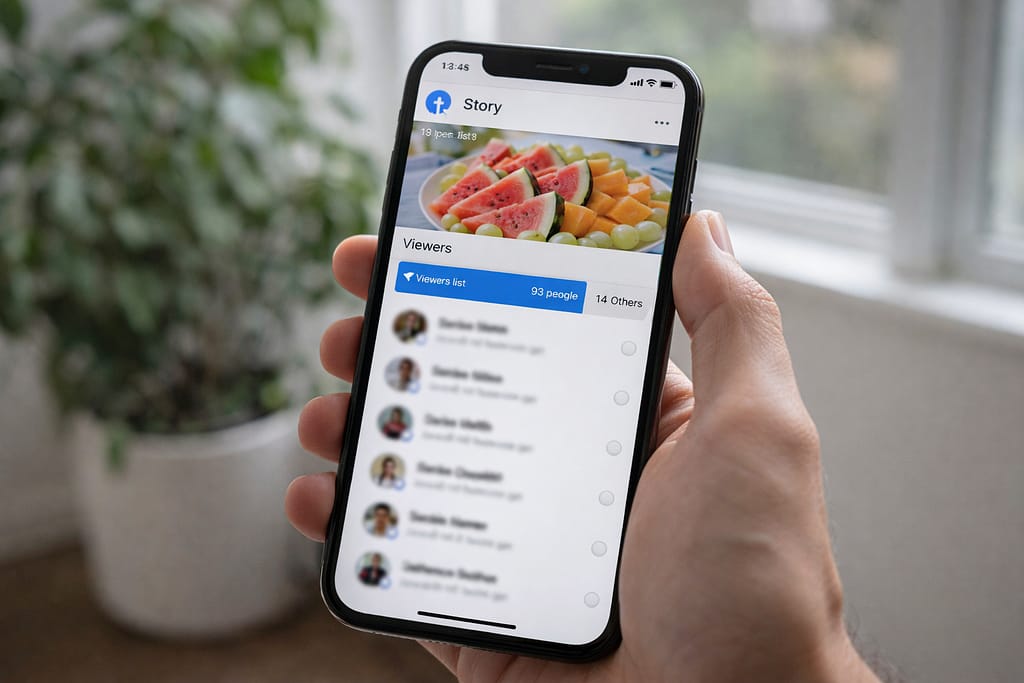
2️⃣ Check Facebook Story Viewers (Only your stories)
While Facebook doesn’t show profile viewers, it does show who viewed your Story.
Steps:
- Open your Story
- Swipe up
- See the list of viewers
This works on Android, iPhone, and desktop.
3️⃣ Check Who Interacts with Your Profile
You can’t see silent profile visitors, but you can track:
- Likes
- Comments
- Friend requests
- Followers
- Message requests
These users likely visited your profile recently.
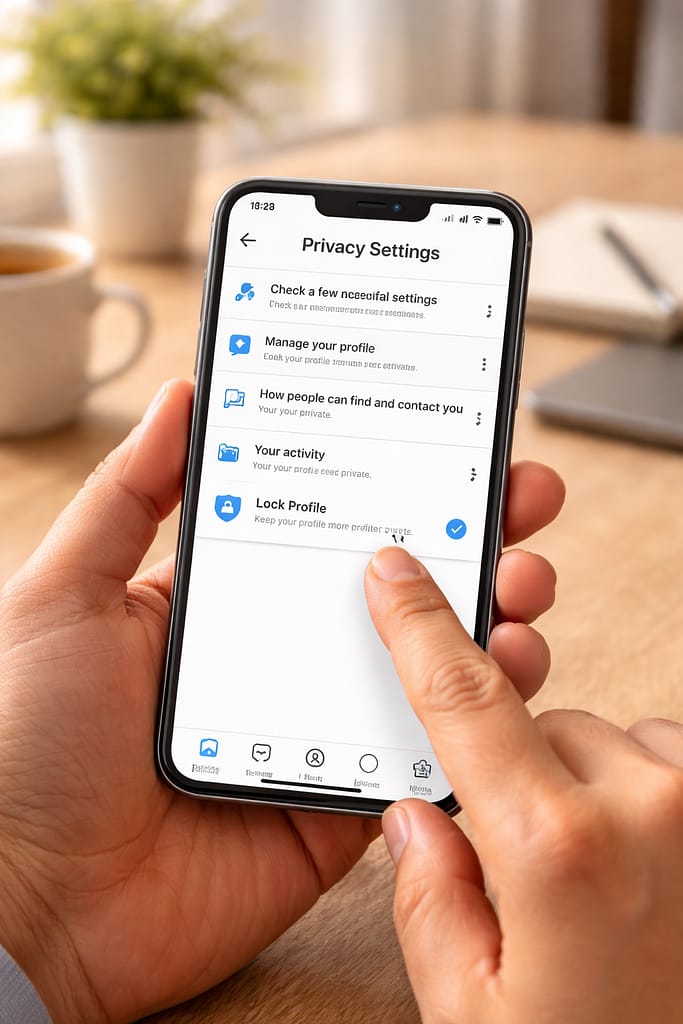
4️⃣ Turn On Profile Lock (Hide your profile completely)
If the goal is to stop unknown people from viewing your profile, this setting helps.
Steps:
- Open Facebook
- Go to your profile
- Tap the three dots
- Select Lock Profile
[Insert Screenshot Step: Lock Profile]
This feature hides your photos, info, and posts from strangers.
5️⃣ Make Your Facebook More Private (Highly Recommended)
If you’re worried about unknown viewers:
Change these settings:
- Privacy Settings → Who can see your posts → Friends
- Who can send you friend requests → Friends of friends
- Who can look you up by phone number → Only me
- Profile & Tagging → Review posts you’re tagged in
These settings improve safety instantly.
Alternative Methods (If You Want More Privacy Visibility)
While you cannot see profile visitors, you can use these tools:
Activity Log
Shows who interacted with your posts.
Follower List
Shows new followers who may be checking your profile.
Facebook Protect
Adds extra security for people at higher risk.
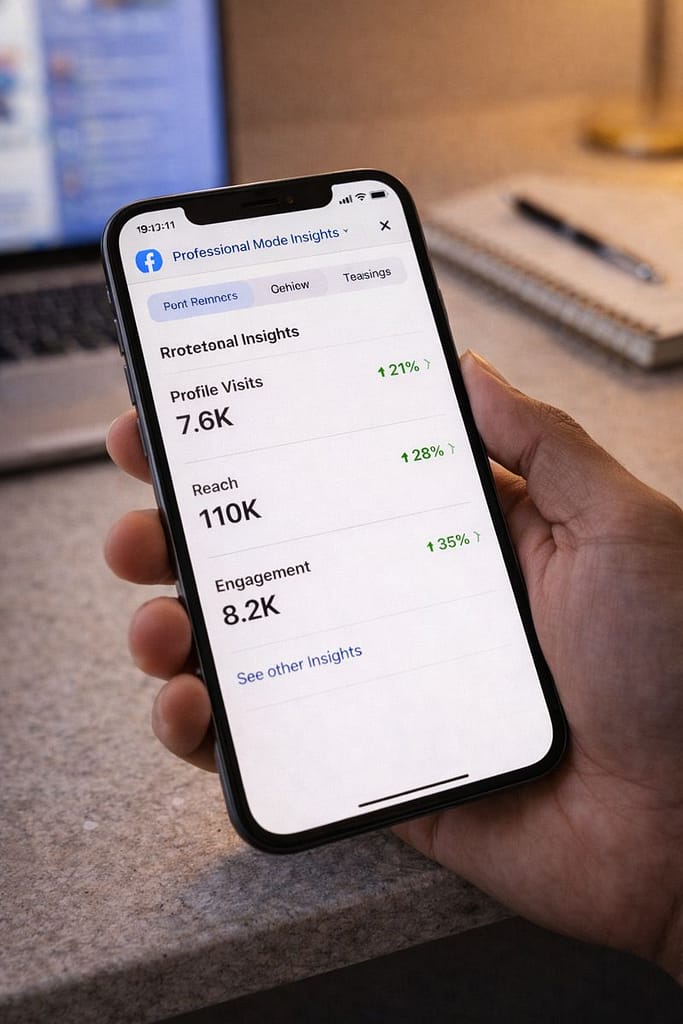
Professional Mode Insights
If you turn on Professional Mode, you can see:
- Profile visits (number only, NOT names)
- Engagement stats
- Reach metrics
👉 You still cannot see the exact people who visited.
How to Contact Facebook Support
If you suspect someone is stalking you or misusing your profile:
Steps:
Menu → Help & Support → Report a Problem
Include:
- Screenshot of any suspicious behavior
- Device type (Android/iPhone)
- Steps you already tried
Facebook may guide you through additional security steps.
Conclusion
Facebook does not show who viewed your profile, but you can secure your account, check login history, lock your profile, and view story interactions. Follow these steps to protect your privacy and avoid fake tools or risky apps.
FAQs:
Q. Can I see who viewed my Facebook profile?
A. No. Facebook does not allow users to see who has viewed their profile. There is no setting, app, or browser extension that can show this information. You can only check login activity, story viewers, and recent interactions for limited clues—these are the only official options available.
Q. Are apps that show Facebook profile viewers real?
A. No. These apps are fake and can put your account and personal data at risk. Facebook clearly states that no third-party app can track who views your profile.
Q. Can I recover my Facebook account without an email or phone number?
A. Yes. Facebook offers account recovery through identity verification, trusted contacts, or security questions. On the Facebook login screen, select “Forgot password”, then tap “No longer have access to these?” and follow the recovery steps.