
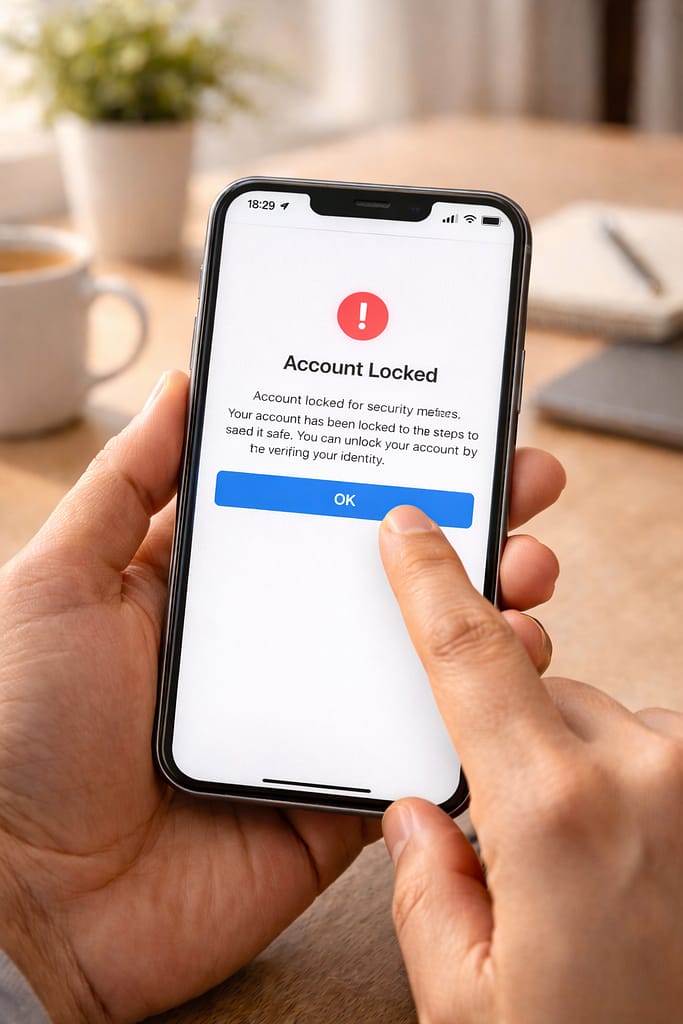
 Getting locked out of your account or suddenly seeing a “Your account has been disabled” message is stressful. Whether it’s Instagram, Facebook, TikTok, or another platform, many users face the same problem—login errors, SMS codes not arriving, or accounts disabled for “violations.”
This step-by-step guide explains how to recover banned or locked accounts using real, workable methods.
Why Do Accounts Get Locked or Banned?
Platforms usually lock or disable accounts for security or policy reasons. These are the most common causes:
- Multiple failed login attempts
- Wrong password or suspicious activity
- Using VPN or unsecured networks
- Violating community guidelines (even by mistake)
- Fake name, identity mismatch
- Cache/data issues causing login errors
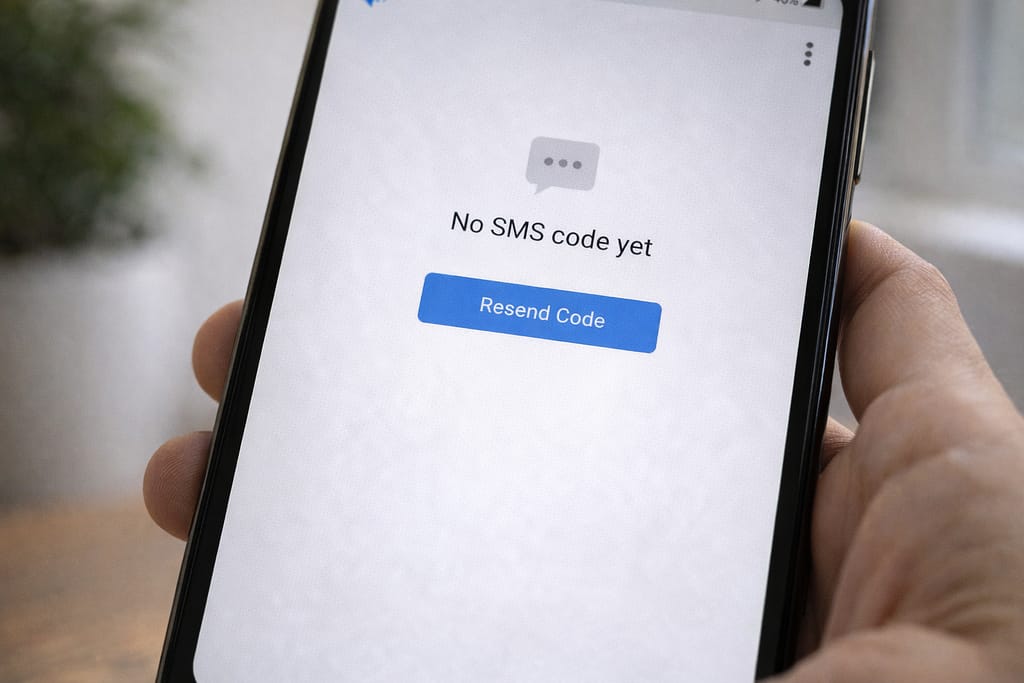
- SMS verification code not received
These are based on common user reports and general support recommendations.
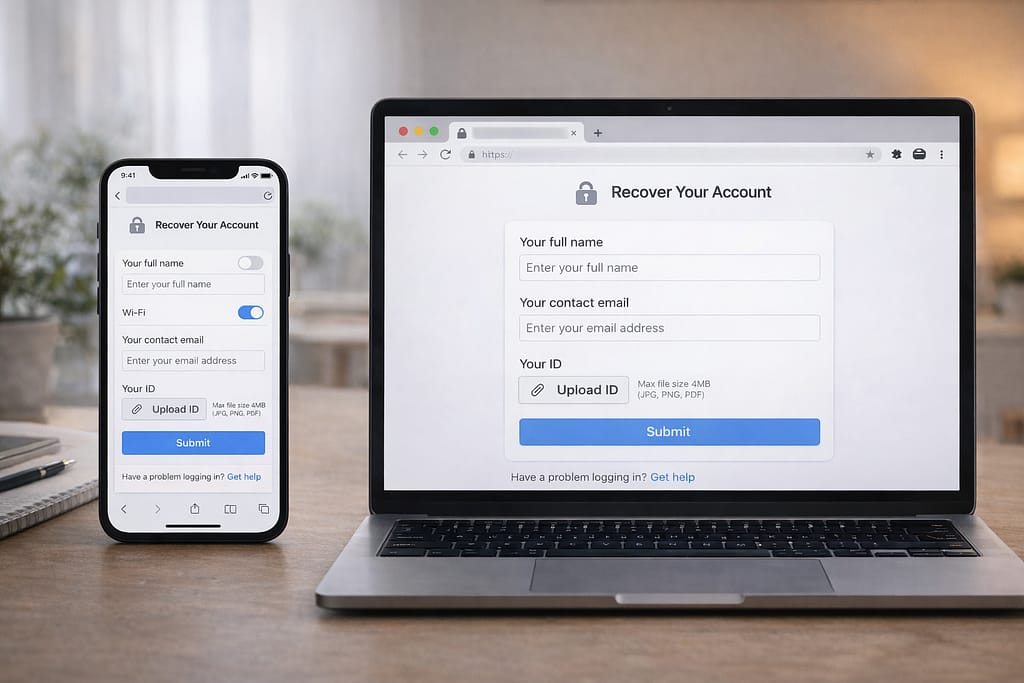
Step-by-Step Guide to Recover Locked or Banned Accounts
Follow these steps carefully—many users recover their accounts by Step 4.
1️⃣ Step 1: Fix Your Login Method First
Before appealing a ban, make sure your login works.
Try these:
- Turn off VPN
- Switch between Wi-Fi and Mobile Data
- Restart your phone
- Try logging in from another device
- Use a browser instead of the app
[Insert Screenshot Step: Login Screen]
If the app still crashes, update or reinstall it.
2️⃣ Step 2: Reset Your Password (If Login Fails)
Some accounts appear banned when it’s actually a password or session error.
Reset options:
- Phone number
- Username
- “Try another way” (common on Instagram & Google)
If email/phone is not receiving codes, use backup codes or trusted device login.
3️⃣ Step 3: Clear App Cache & Reinstall (Fix False Error Messages)
On Android, corrupted cache can show false error like “Account Disabled.”
Android:
Settings → Apps → [App Name] → Storage → Clear Cache
iPhone:
Uninstall → reinstall the app (iOS clears cache only through reinstall)
Many users said this alone fixed login errors.
4️⃣ Step 4: Submit an Official Account Recovery or Appeal Form
Each platform has its own recovery form for banned or locked accounts.
Most common appeal paths:
- Instagram: “My account was disabled” form
- Facebook: Identity verification form
- TikTok: Appeal via in-app “Report a Problem”
- Google: Account Recovery page
- Snapchat: “I can’t access my account” form
[Insert Screenshot Step: Appeal Form]
Tips when submitting:
- Use your real name
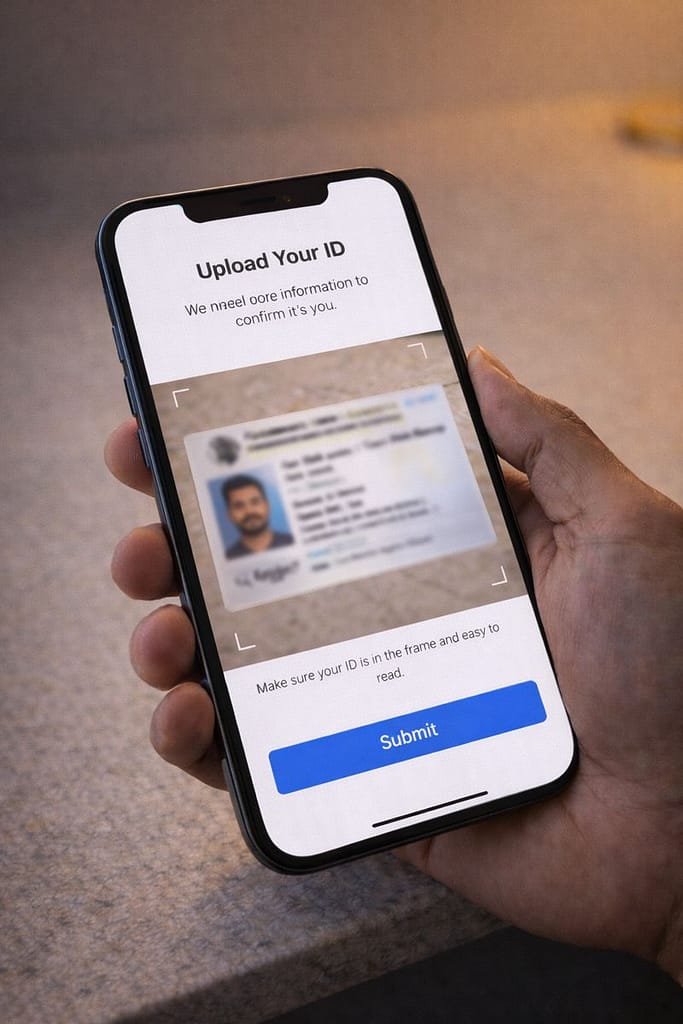
- Upload clear ID if required
- Explain the issue briefly
- Avoid emotional or long messages
- Be honest about what happened
5️⃣ Step 5: Wait for Review (Usually 24–72 Hours)
Most platforms review recovery requests within a few days.
Check your email often—support may ask for extra information.
If no reply:
Try again using another recovery method or device.
Alternative Methods (If Main Fix Does Not Work)
If appeals fail or you cannot log in:
Use a Trusted Device
Try logging in from a device you’ve used before.
Use a Browser Instead of the App
Works well for Instagram, Facebook, TikTok, and Google.
Recover Without Email or Phone
Many platforms offer:
- Backup codes
- Trusted contacts
- Identity verification forms
Check for Server Outages
Sometimes the account looks “banned” but it’s simply a server glitch.
How to Contact Customer Support
Most apps hide their support options, but here’s where you find them:
Instagram:
Settings → Help → Report a Problem
or Instagram.com → Help → Privacy & Safety → Appeal Form
Facebook:
Menu → Help & Support → Support Inbox
TikTok:
Settings → Support → Report a Problem → “Account ban appeal”
WhatsApp:
Settings → Help → Contact Us
Provide these details:
- Screenshot of the error
- Device type (Android/iPhone)
- Username and recovery email
- Description of what happened
This helps support replying faster.
Conclusion:
Recovering a locked or banned account may feel stressful, but most users get it back by fixing login issues, resetting passwords, clearing cache, and submitting an appeal. Follow each step patiently and provide accurate information. These methods work on both Android and iPhone.
FAQs:
Q. Why does my account say “disabled for security reasons”?
A. This message typically appears when the system detects unusual activity, such as multiple failed login attempts or the use of automation tools. Reset your password, verify your identity, and submit an appeal if prompted.
Q. Why is Instagram not sending my verification code?
A. Instagram may stop sending verification codes if too many requests were made, the wrong phone number was entered, a VPN is being used, or your mobile carrier is delaying SMS delivery. Try switching networks, turning off any VPN, restarting your phone, or choosing the email verification option instead. Many users report that email codes arrive instantly.
Q. Can I recover my account without an email or phone number?
A. Yes, depending on the platform. Some apps allow account recovery using a username, trusted device login, identity verification, or backup codes. If none of these options work, you’ll need to contact support through the appeal or identity verification form and provide proof of ownership.
Q. How long does a banned account take to recover?
A. Account reviews usually take between 24 and 72 hours, depending on the platform. In some cases, the process may take longer if identity verification or additional checks are required.