
If you accidentally deleted your Instagram messages, don’t worry—many users face the same issue. Whether it was a wrong tap, app glitch, or phone reset, there are real ways to recover deleted Instagram chats. This guide explains what you can recover, what Instagram stores, and step-by-step methods that actually work.
Why does this problem happen? (Why Instagram Messages Get Deleted)
Instagram messages may disappear due to:
- Accidental deletion
- App not syncing properly
- Switching devices without backup
- Internet connection issues
- Cache or data corruption
- Account temporarily locked or disabled
- Updating or reinstalling the Instagram app
Based on user reports, messages are usually recoverable if synced to Instagram’s server.
Step-by-Step Fixes to Recover Deleted Instagram Messages
Try these steps one by one. Most users recover messages using Method 1.
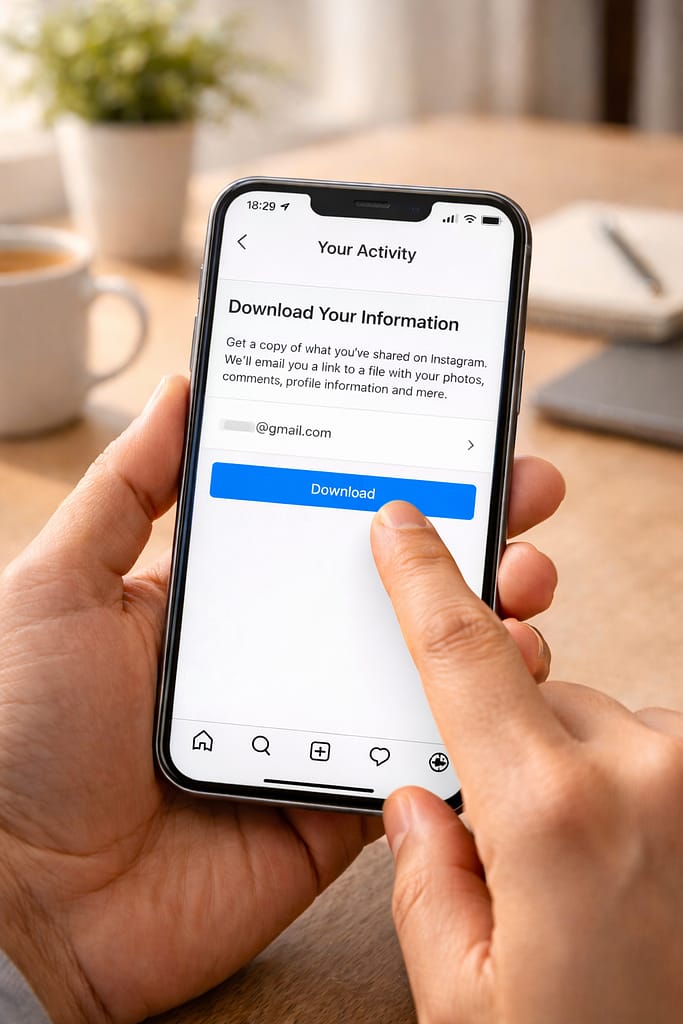
1️⃣ Method 1: Download Your Instagram Data (Works on Android & iPhone)
Instagram keeps a copy of your messages as part of your account data.
Steps:
- Open Instagram
- Go to Profile → Menu (☰) → Your Activity
- Scroll to Download Your Information
- Choose Download or transfer information
- Enter your email
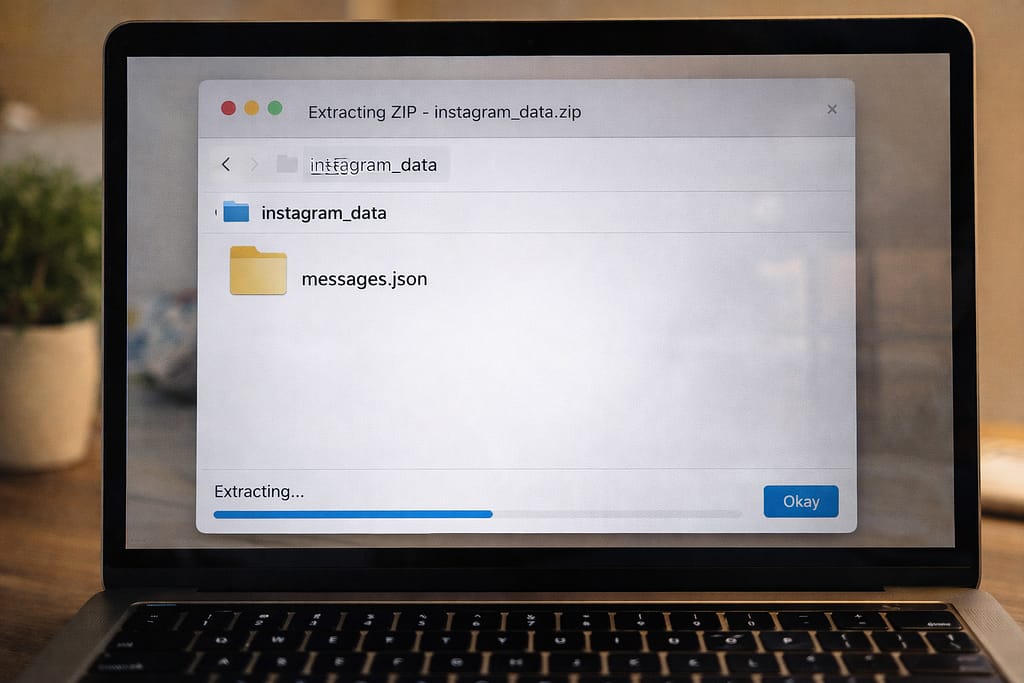
- Instagram will email a ZIP file
- Extract the file → Open messages.json
[Insert Screenshot Step: Download Your Information]
This file contains your deleted chats if they were stored on Instagram’s backup servers.
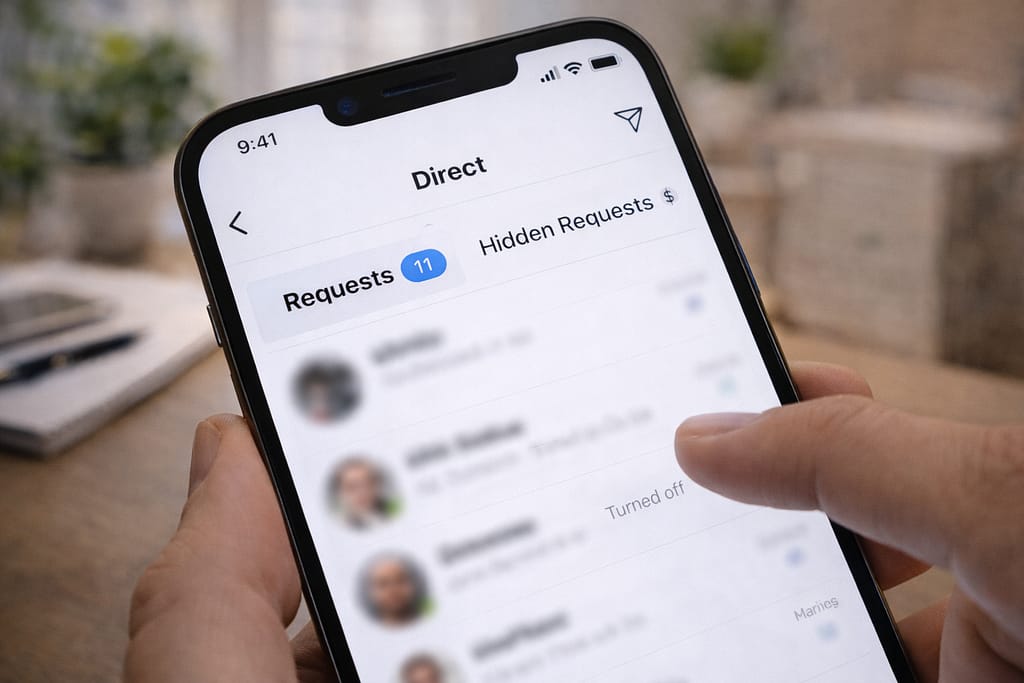
2️⃣ Method 2: Check Message Requests & Hidden Requests
Deleted messages are sometimes just moved—not erased.
Steps:
- Open Instagram DM
- Tap Requests
- Check Hidden Requests
You may find old messages stored here.
3️⃣ Method 3: Ask the Other Person (Synced Messages Still Exist)
Instagram syncs chats for both users.
Even if you deleted the message, the other person may still have the full conversation.
Just ask them to:
- Screenshots the chat
- Forward the messages
- Copy text and send it back
This works in most real cases.
4️⃣ Method 4: Use Instagram Web (Sometimes Shows Old Chats)
The app may fail to load older messages, but the web version might display them.
Steps:
- Go to instagram.com
- Login → Open DM
- Check if deleted messages appear here
Web often loads older cached conversations.
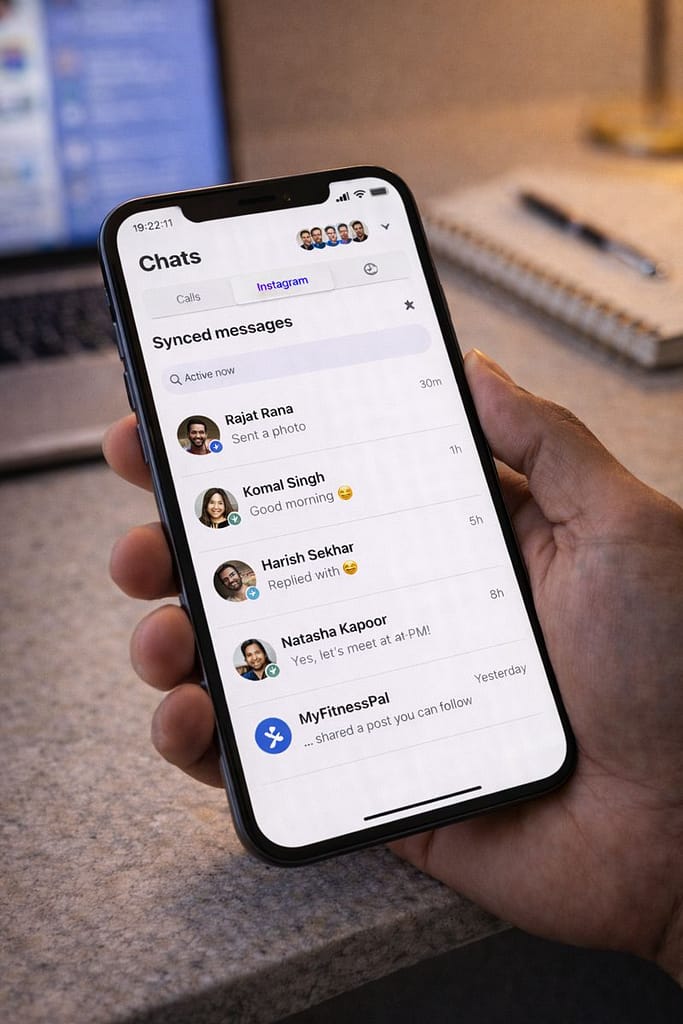
5️⃣ Method 5: Recover Deleted Messages from Linked Facebook Account
If your Instagram is connected to your Facebook account, your messages may sync to Messenger.
Steps:
- Open Facebook → Messenger
- Go to Instagram Messages tab
- Check old conversation history
Many users reported this method helped after reinstalling Instagram.
6️⃣ Method 6: Check Your Email (For Older Chats)
If you turned on email notifications, old chats might appear in your email inbox.
Search your email using:
- “Instagram DM”
- The person’s username
- “Message from”
Alternative Methods (If None of the Above Works)
Try Instagram Data Download Again (After 24 hours)
Sometimes older data syncs and becomes available later.
Use a Different Device or Browser
Cache differences can show older messages.
Restore Phone Backup (Android/iPhone)
If you backed up your phone before deleting messages, restoring backup may bring them back.
⚠ Warning:
Never use third-party “Instagram Recovery Tools.”
They are scams and can steal your account.
How to Contact Instagram Support
If your messages disappeared due to a bug, account lock, or outage:
Steps:
- Instagram → Profile
- Menu (☰) → Settings → Help
- Report a Problem
- Describe the issue and attach screenshots (if any)
You can also visit: help.instagram.com
Conclusion
You can recover deleted Instagram messages using the Download Your Information feature, checking Message Requests, using Instagram Web, or asking the other person in the chat. Avoid third-party apps Instagram’s built-in tools are the safest and most effective solutions.
FAQs:
Q. Can I recover deleted Instagram messages?
A. Yes. The most reliable way is by using Instagram’s Download Your Information tool, which may include your stored messages. You can also check Message Requests, Instagram Web, or linked Facebook Messenger. If the other person still has the conversation, they can resend the messages to you.
Q. Why did my Instagram messages disappear?
A. Instagram messages can disappear due to syncing problems, app glitches, account logouts, or data corruption. Restarting the app, checking Message Requests, and using the Data Download tool usually helps restore missing messages.
Q. Can I recover my Instagram account without an email or phone number?
A. Yes. Instagram offers account recovery through identity verification using your username, trusted device login, and support forms. On the login screen, tap “Need more help?” and follow the instructions.